
A product is something your customers can order. You use products for order payment links and for orders you create yourself. You can read more background in What are products?.
Creating a product
Go to “Products” in the menu and click “Create product”.
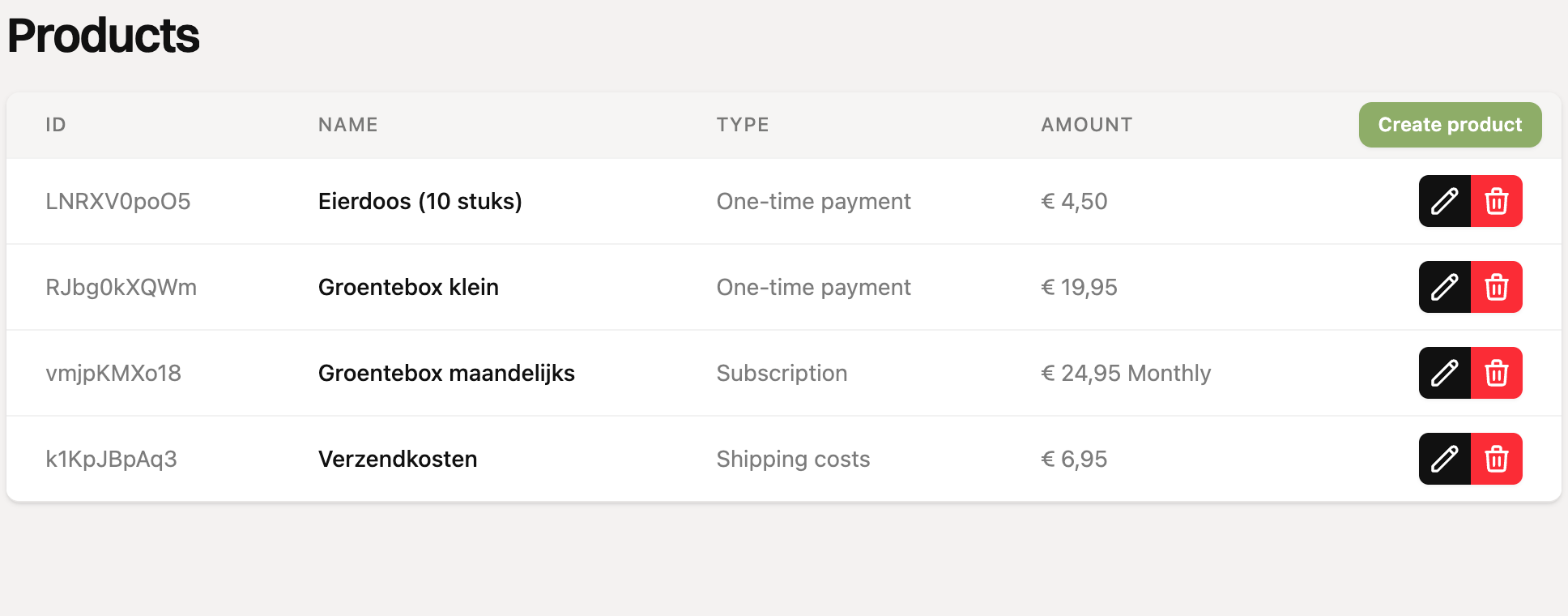
Under “Type”, choose the type of product (see below).
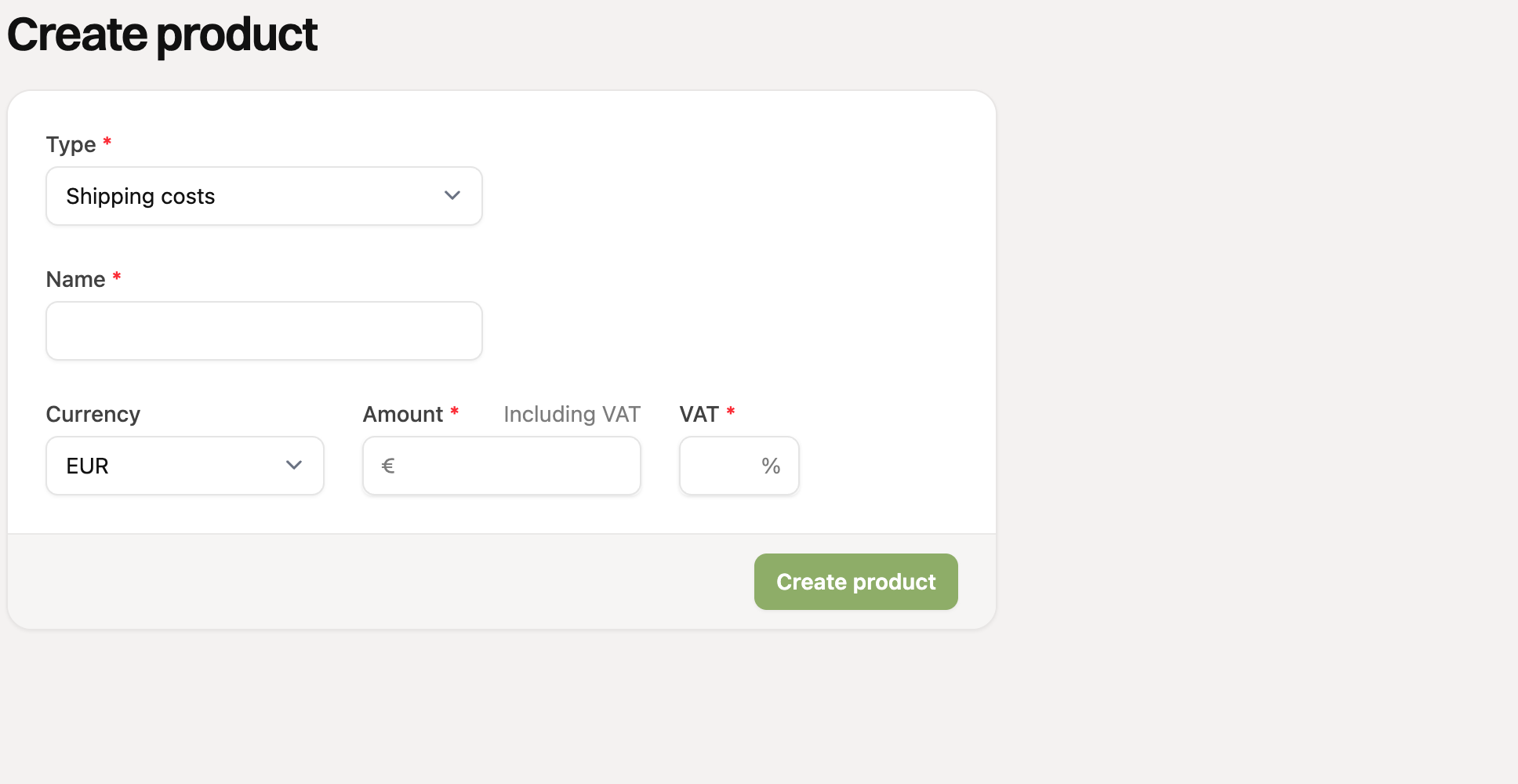
Enter the name. Your customer sees it on the order page.
Enter the currency, the amount and the VAT percentage. With the “Including VAT” switch you decide whether the amount already includes VAT.
Click “Create product”.
Which type should I choose?
Type | Use this for… | Extra fields |
|---|---|---|
One-time payment | A product the customer buys once. | None. |
Subscription | A product that keeps coming back, like a weekly vegetable box. | Interval (days, weeks, months or years) and optionally “Number of times”. |
Shipping costs | Costs you add to every order. | Countries the rate applies to (optional). |
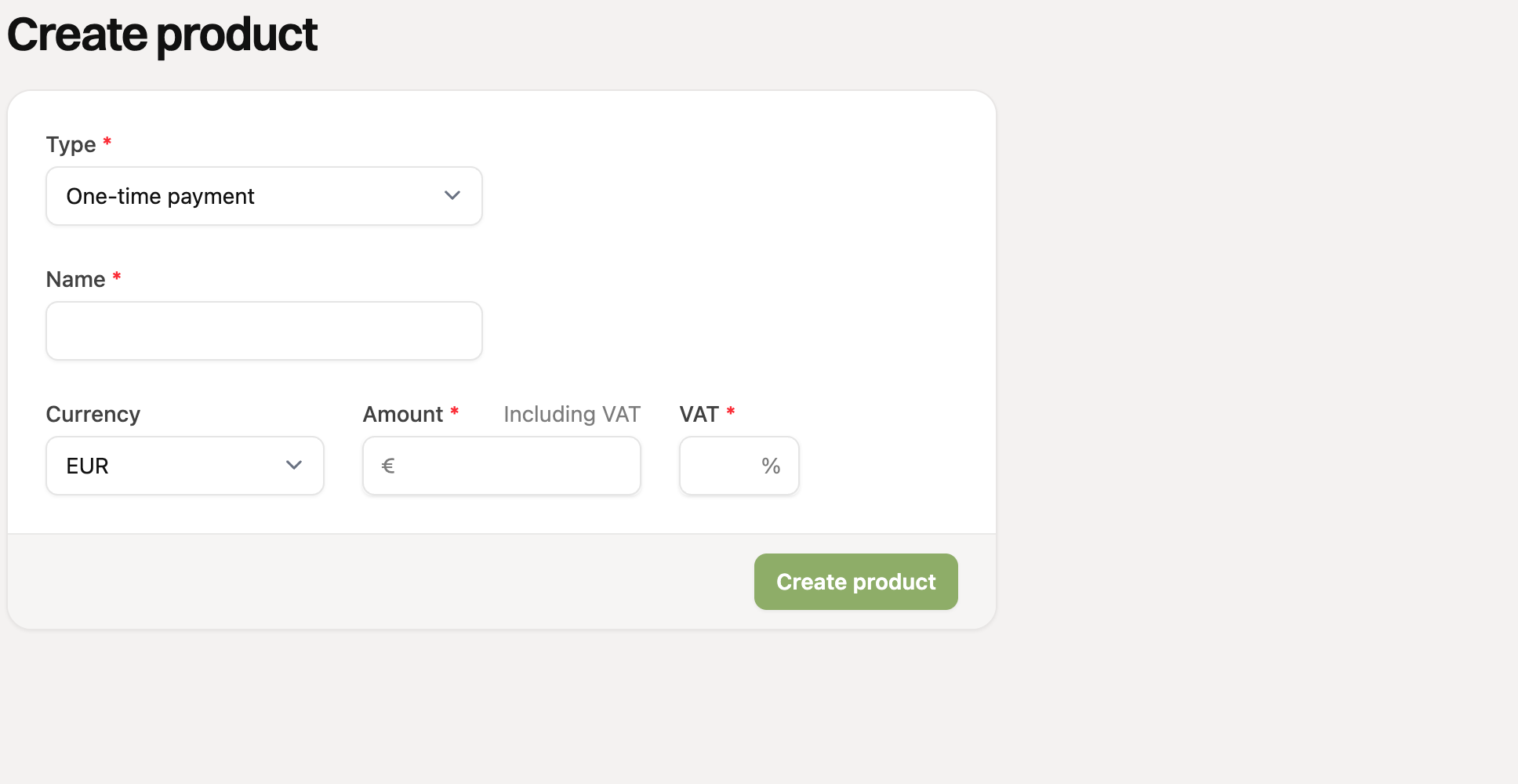
A subscription product
For the type “Subscription” you set how often the product comes back. Choose a number and a unit, for example 1 month. If you leave “Number of times” empty, it continues. If you enter a number, it stops after that. Read How do recurring orders work?.
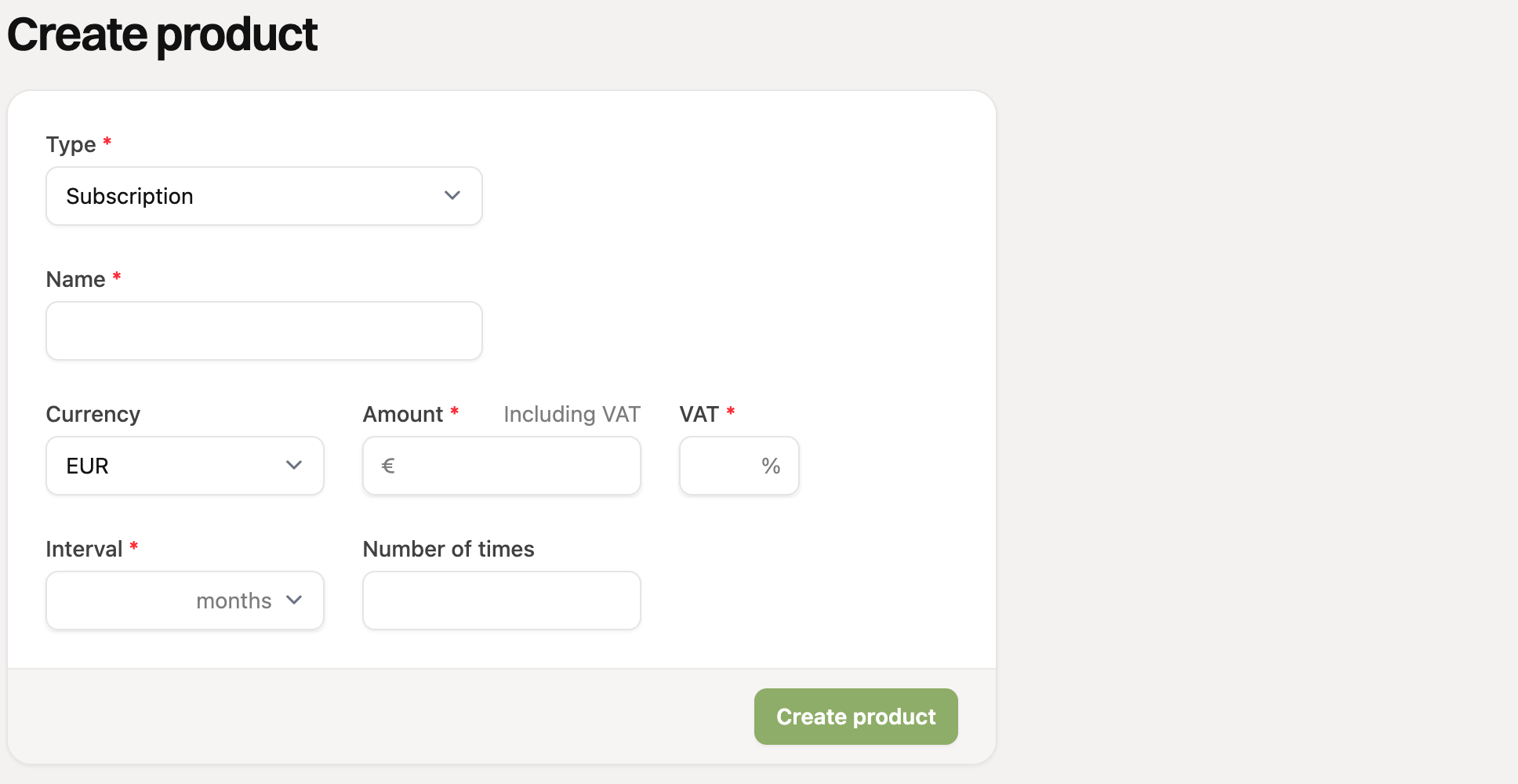
Shipping costs
You add a product of the type “Shipping costs” to a payment link. It is then automatically added to every order through that link.
Do you ship to several countries? Then create a product per rate and pick the countries it applies to under “Countries”. A rate without countries is the default rate for all other countries. Your customer sees the rate for the country they enter. Read Set shipping costs per country.
Did you connect an invoicing app or WooCommerce? Then you find extra fields in the product form, such as a category or item, or the WooCommerce product ID.
Do you want to remove a product? Read Can I delete a product?.