
Can't figure it out? Our support team is happy to help. The best way is to create a support ticket in the dashboard. Your question then reaches us directly and you can find the conversation in RCUR. You can also email info@rcur.app. We reply in most cases within 1 business day. Unfortunately, we are not available by phone.
Creating a support ticket
In the RCUR dashboard, click Support at the bottom left.
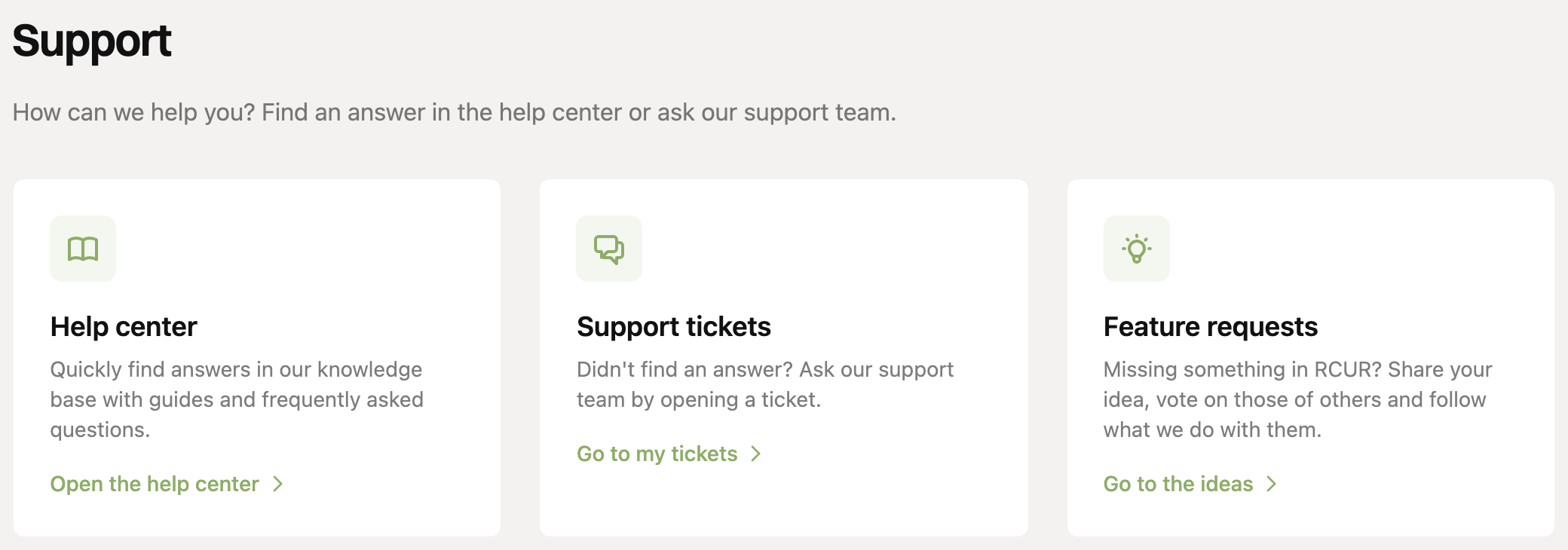
Choose Support tickets and click New ticket.
Enter a subject and your message. The clearer your question, the faster we can help. Describe what you want to achieve and what happens.
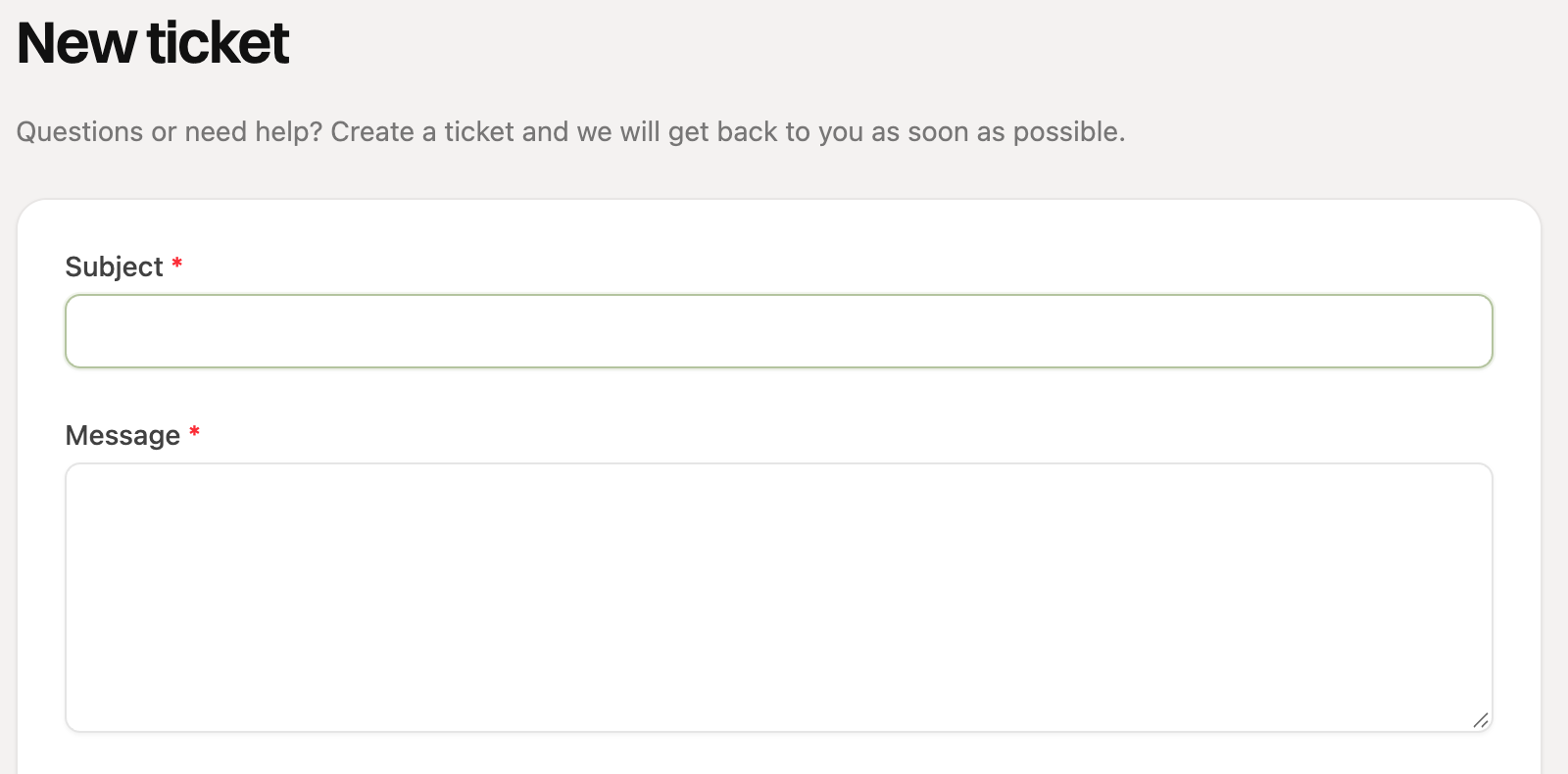
Optionally add screenshots or files (maximum 10 MB per file) and click Create ticket.
While you type, we show articles from the help center that look like your question. Your answer may already be among them.
Help with a customer, subscription or order
Is your question about a specific customer, subscription or order? Then open that customer, subscription or order and choose Ask support a question. The ticket is then linked automatically, so we can see right away what it is about.
Receiving our reply
When our support team replies, you get a notification in the dashboard and you can find the answer under Support > Support tickets. There you can reply, and close the ticket when your question is solved. Open tickets are on the Open tab, finished tickets on Closed.
Support is available in Dutch and English. Missing something in RCUR? Share your idea via “Feature requests” on the Support page, where you can also vote on ideas from others.