
You can find all your RCUR invoices in the dashboard. Here is how to download an invoice:
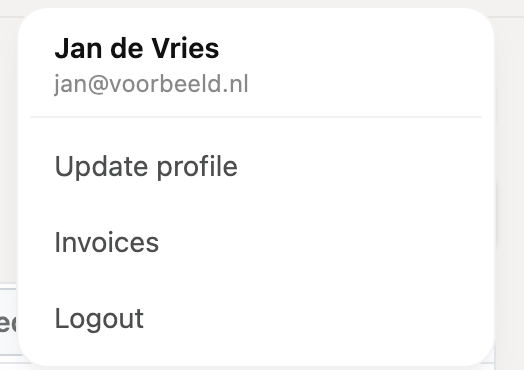
In the RCUR dashboard, click your initials at the top right and choose Invoices.
You now see all invoices of your RCUR account, with the date and the amount.
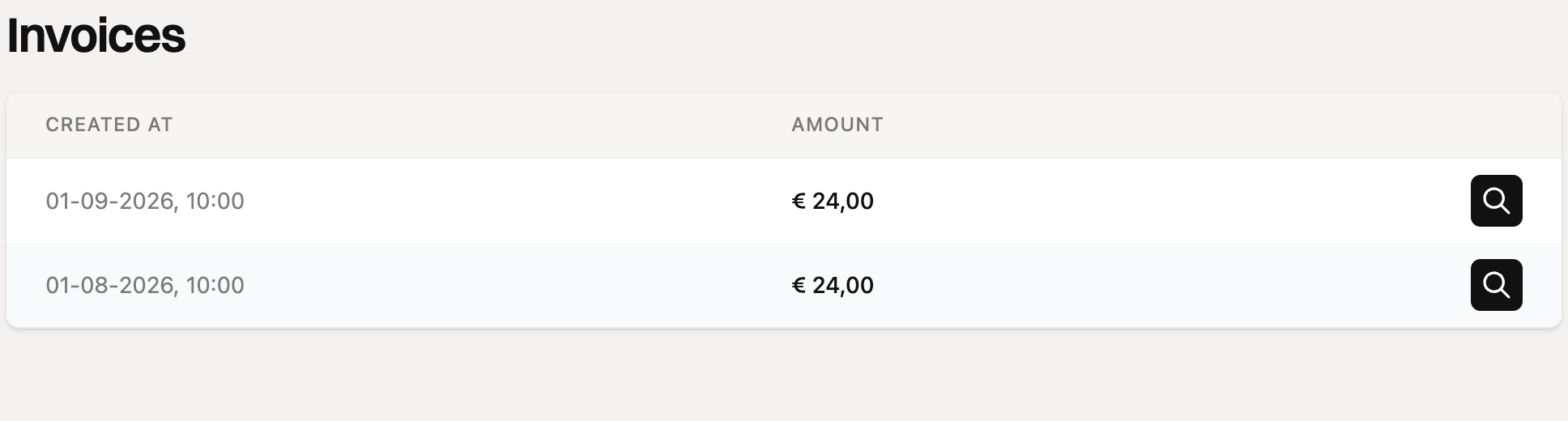
Click the icon next to an invoice to open it as a pdf and download it.
Do you see “No invoices”? Then no invoice has been created for your account yet, for example because you are still in your trial period.
Receiving invoices by email
We also send your invoices by email, to the email address of your account. Do you want a colleague in your finance team to receive the invoices? Then enter the name and email address of the financial contact under Settings > Account. The invoices will then be sent to that address.