
Which payment method do you use to pay for your RCUR plan? You can change it yourself, for example when your credit card expires or you want to switch to another bank account. You do this in your account settings.
Go to Settings and open Account.
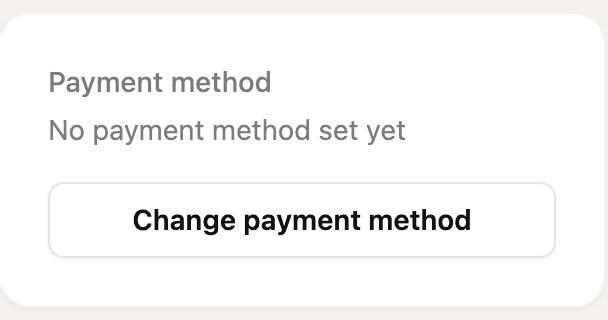
Click Change payment method. At the top you see your current payment method.
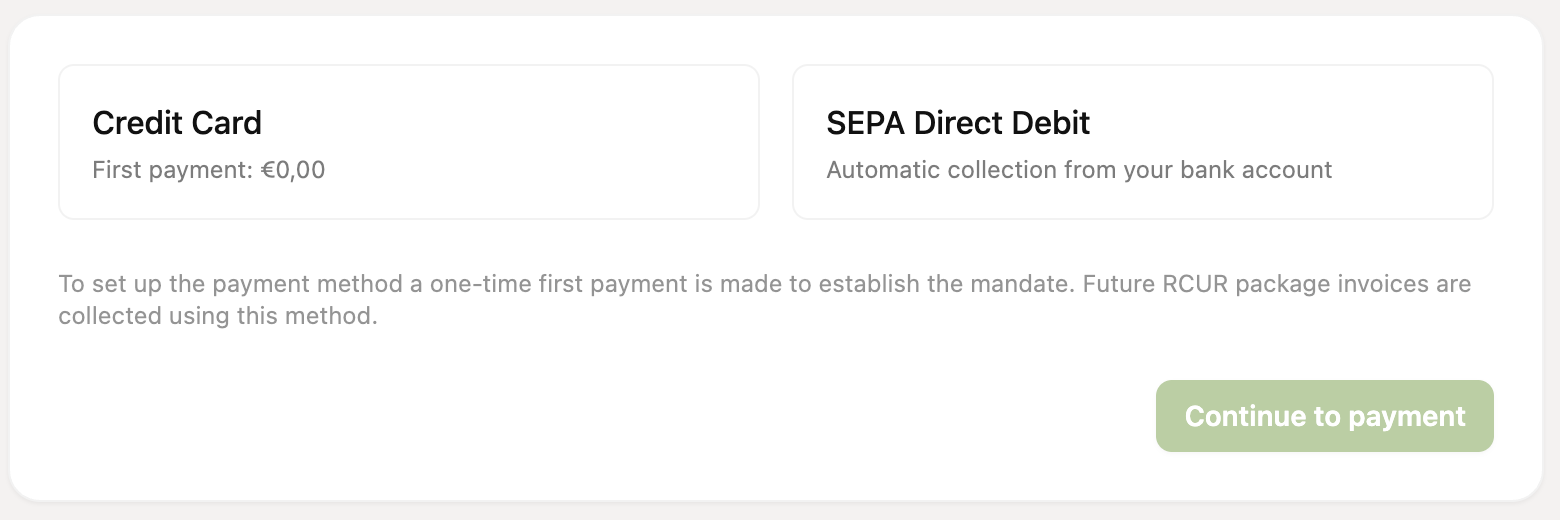
Choose Credit Card or SEPA Direct Debit (automatic collection from your bank account).
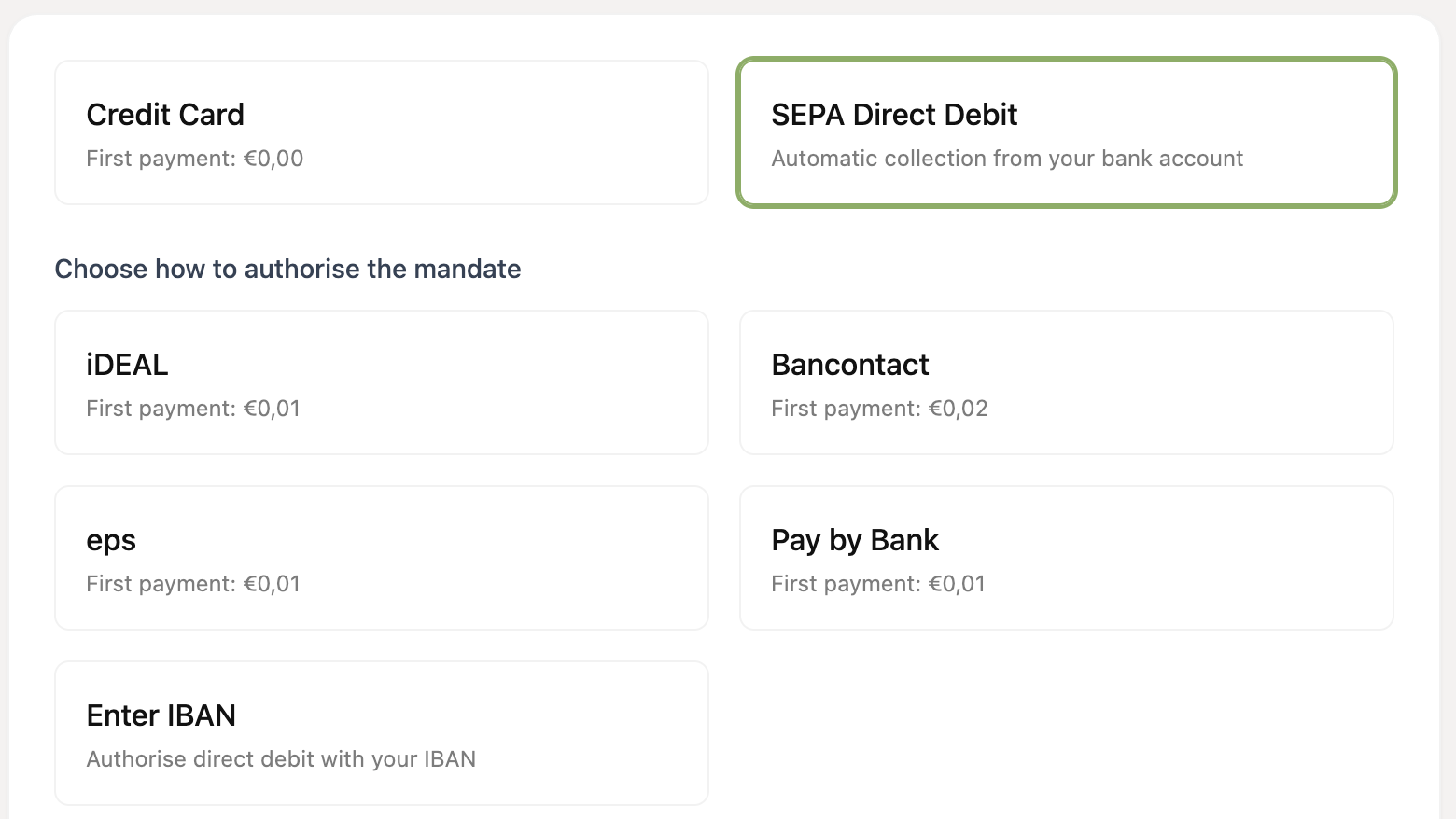
If you chose SEPA Direct Debit, choose how to authorise the mandate: iDEAL, Bancontact, eps, Pay by Bank or by entering your IBAN.
Click Continue to payment and follow the payment steps. If you choose Enter IBAN, enter the account holder's name and your IBAN and click Save.
First payment
To establish the mandate, most methods require a one-time first payment. This is a symbolic amount:
Credit card: €0.00
iDEAL, eps and Pay by Bank: €0.01
Bancontact: €0.02
Enter IBAN: no first payment, the mandate is established directly
After that the new payment method is registered and future invoices for your RCUR plan are collected with it.
You can only change the payment method if you have an active, paid plan. If you don't have a plan yet, choose a plan first.