
You can cancel your RCUR plan yourself at any time, whether you pay monthly or yearly. Here is how:
In the RCUR dashboard, go to Settings and choose Account.
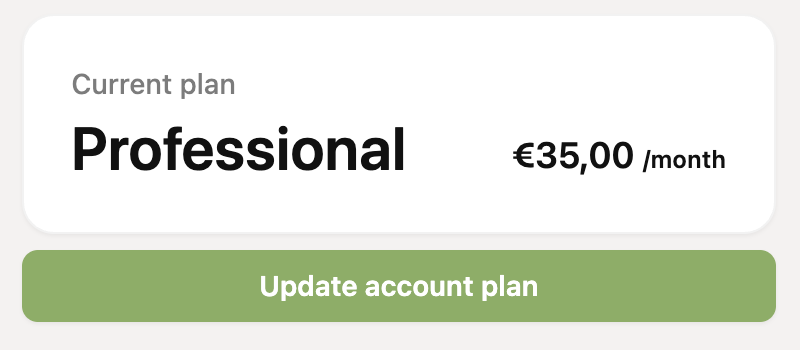
Under your current plan, click “Update account plan”.
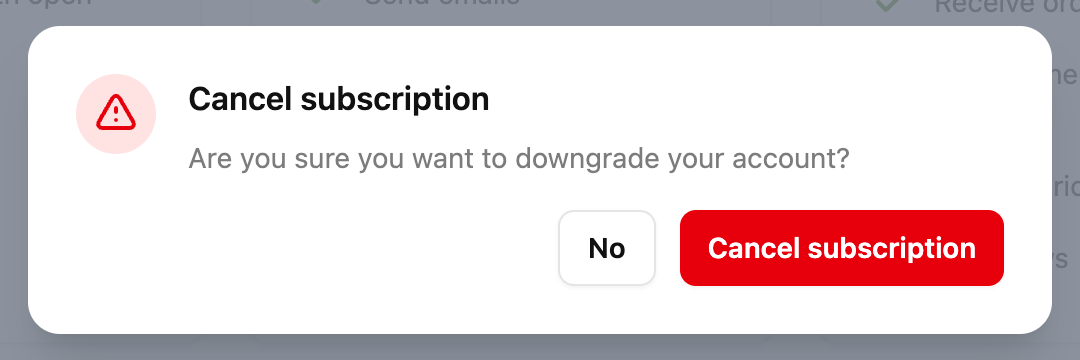
Click Cancel subscription at the bottom right.
Confirm in the window that you want to cancel.
Don't see the “Cancel subscription” button? Then you probably don't have the right permissions (ask the owner of the account), you are still in your trial period or you have already cancelled.
What happens after cancelling?
We stop the automatic payments for your RCUR plan. You can keep using all functions until the end of the period you have already paid for. Read more about when you can cancel and what to keep in mind.