
Yes. With a discount code your customer can get a discount on an order at checkout. This works for recurring orders too.
Discount codes are available in the Professional plan.
Creating a discount code
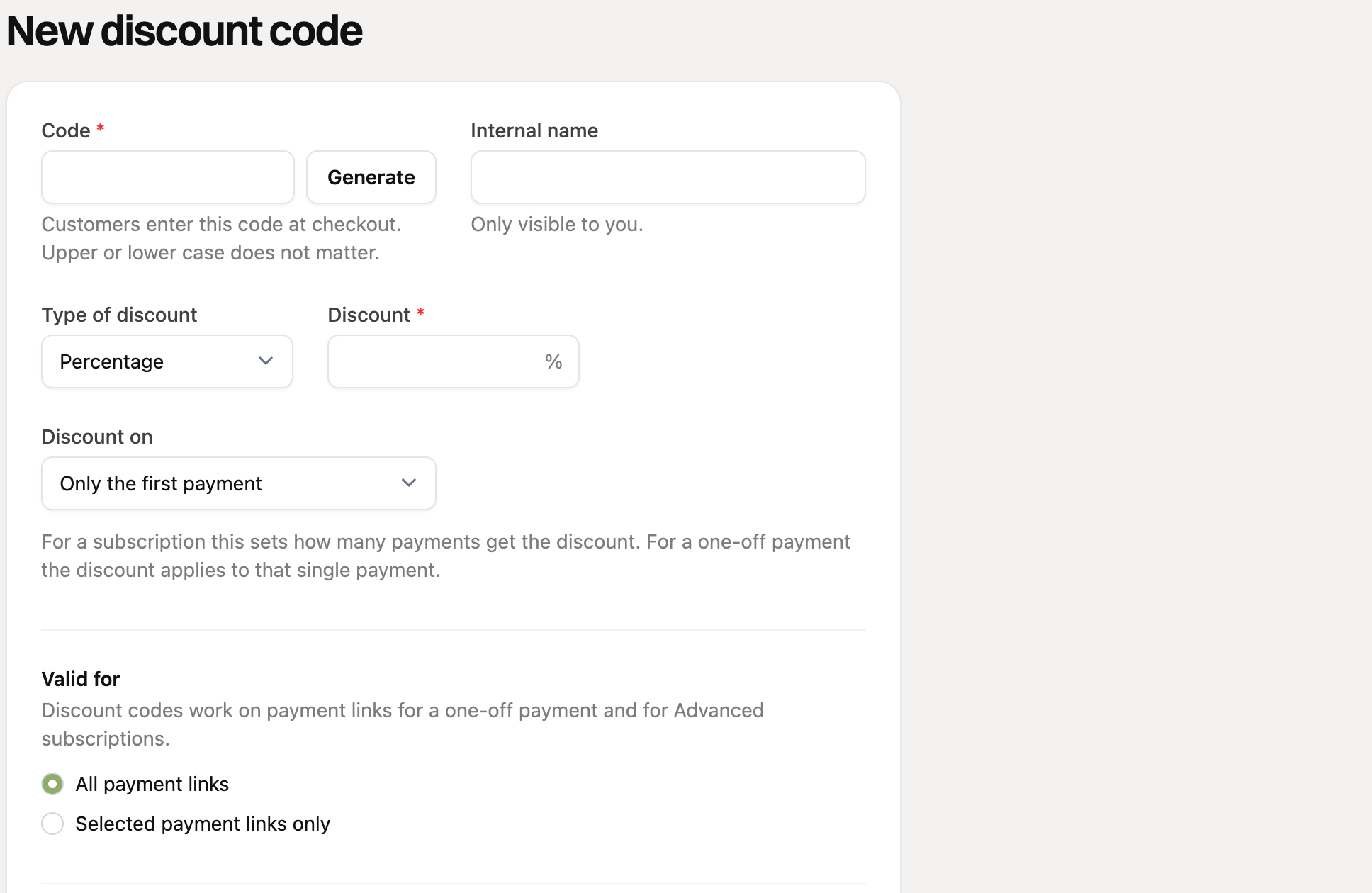
Go to “Discount codes” in the menu and create a new code.
Enter the code, or click “Generate”. Capital letters do not matter for your customer. With “Internal name” you recognize the code yourself.
Choose the type of discount: a percentage or a fixed amount, and enter the discount.
Under “Discount on”, choose how many payments get a discount: only the first payment, a number of payments or every payment. For a regular order there is only one payment.
Under “Valid for”, choose whether the code works on all payment links, or only on the payment links you select. An order payment link is included.
Optionally set limits: how often the code may be used in total, from and until when it is valid, and whether a customer may use it only once.
Click “Save”. With the “Active” switch you turn a code off.
How your customer uses the code
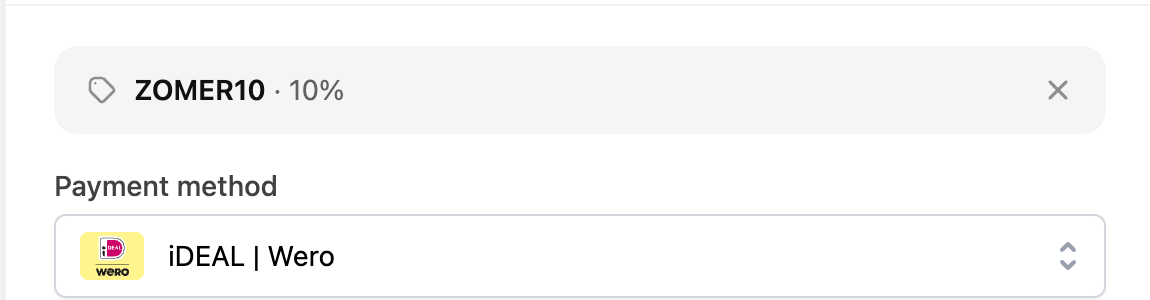
At checkout the customer clicks “Add discount code”, enters the code and clicks “Apply”.
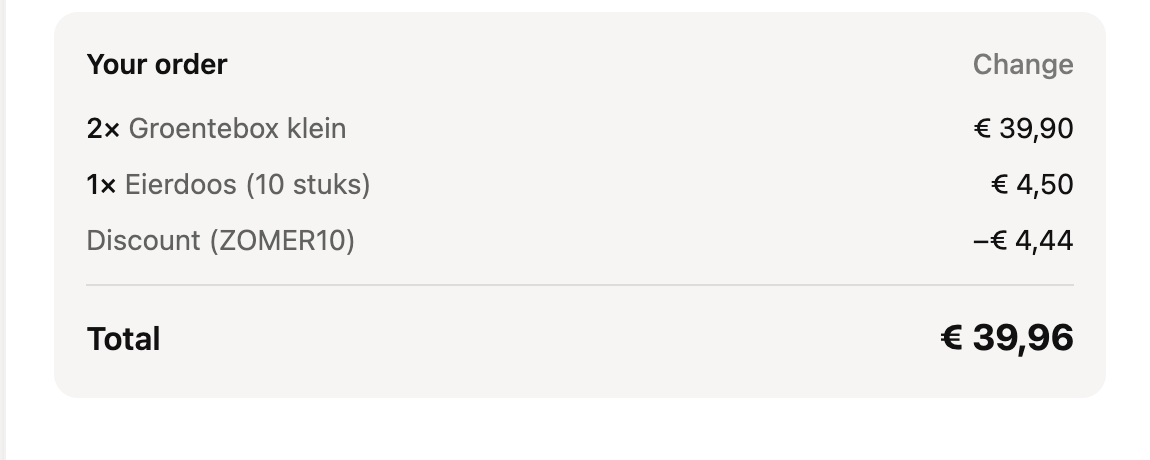
The discount appears right away in the order summary, with the code and the new total.
A code that does not exist, is no longer valid or is used up gives an error message.
Shipping costs do not get a discount. The discount is calculated over the products.
For an order with a subscription product, the “Discount on” setting decides whether the recurring orders get a discount too.
Do you want to see how much discount you gave? You find it under Reports in the “Discount given” report.
You can read more about orders in How can I receive orders via RCUR? and How do recurring orders work?.