
A workflow is easier to understand with an example. Below are a few commonly used workflows you can copy right away. You can read how to create them in How do I create a workflow?.
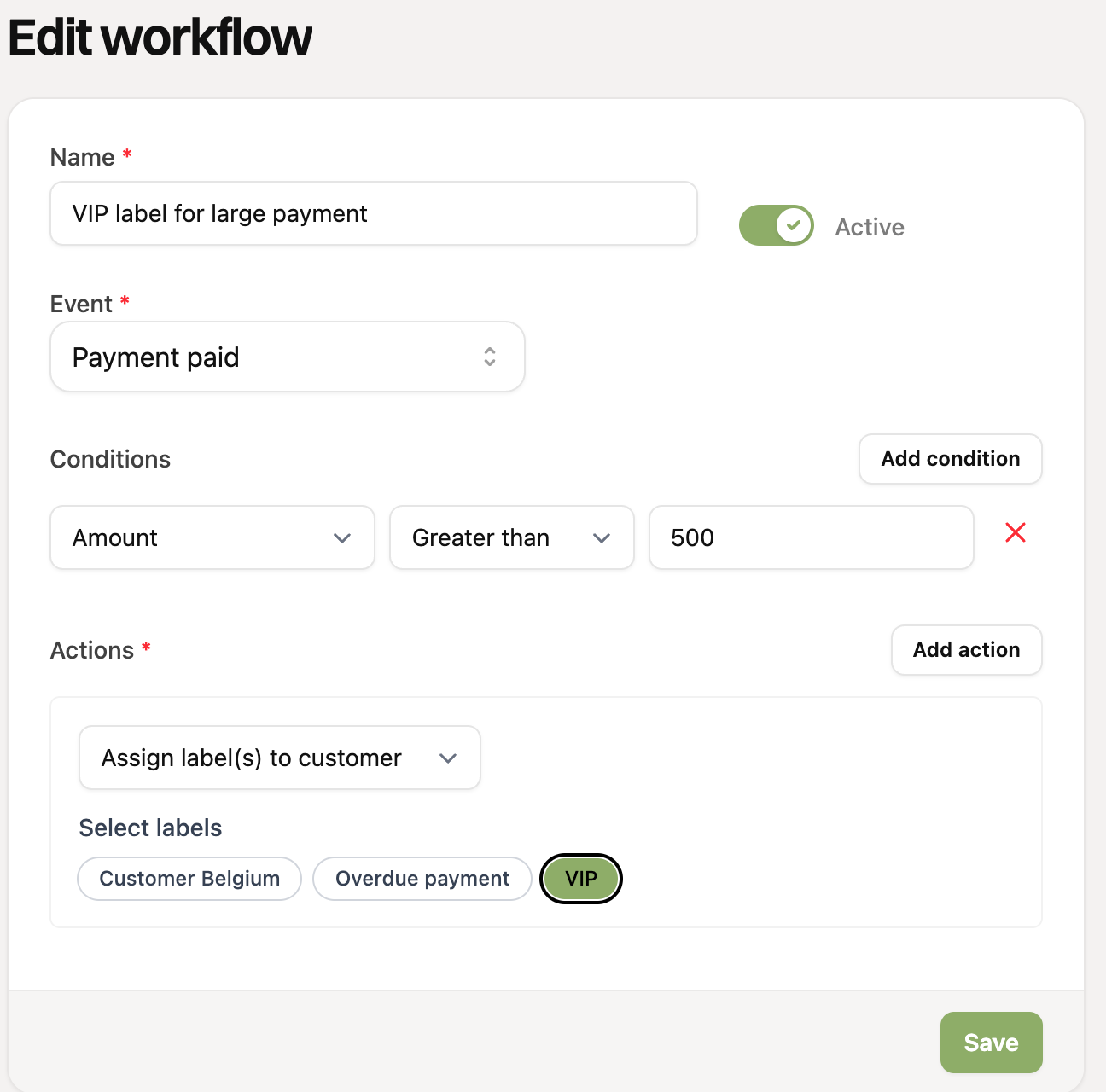
1. Give big customers a VIP label
Event: Payment paid
Condition: Amount is greater than 500
Action: Assign label(s) to customer: “VIP”
That way you immediately see in your customer list which customers spend a lot, and you can filter on that label.
2. Label an overdue payment and remove it again
Event: Two workflows. First “Payment failed”, then “Payment paid”.
Condition: None
Action: For “Payment failed”: assign the label “Overdue payment”. For “Payment paid”: remove that same label again.
That way the label is only on customers whose last payment has failed.
3. Send a welcome email to new customers
Event: Customer created
Condition: None
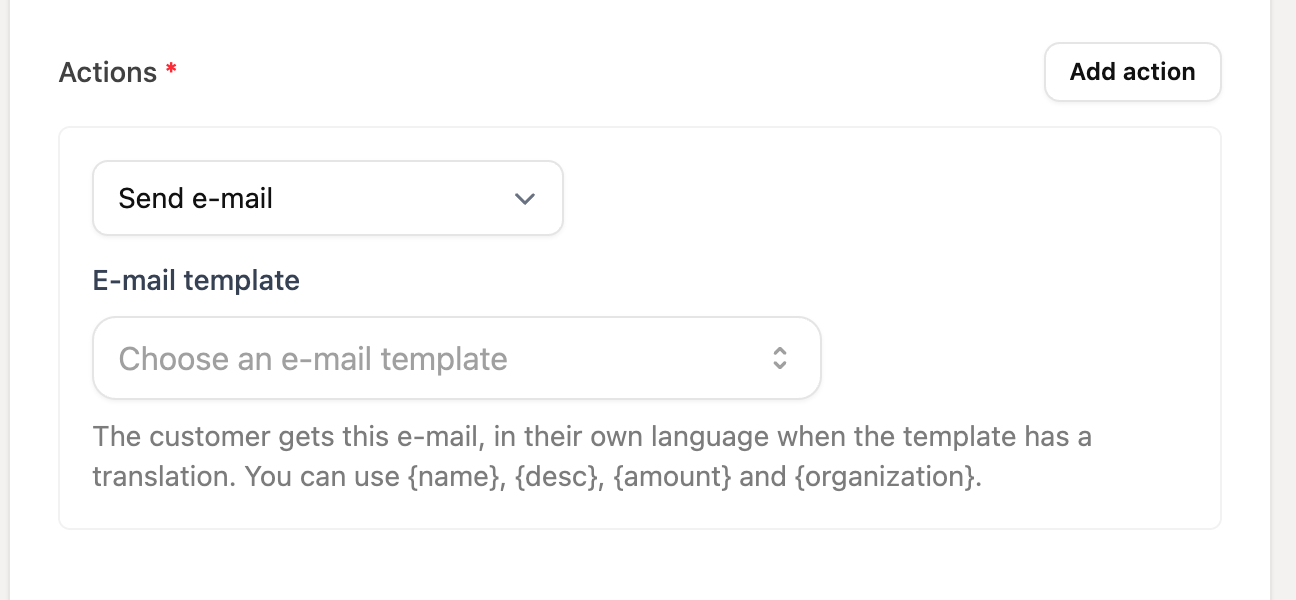
Action: Send e-mail: choose your welcome template
Create an email template first under Settings > Templates. With {name} you address the customer personally.
4. Label customers from Belgium
Event: Customer created
Condition: Country equals Belgium
Action: Assign label(s) to customer: “Customer Belgium”
Useful to filter on later, for example for different pricing or communication.
5. Clean up labels after a cancelled subscription
Event: Subscription (Advanced) cancelled
Condition: None
Action: First “Remove all labels from customer” and then “Assign label(s) to customer”: “Former customer”
Actions run from top to bottom. If “Remove all labels” is at the top, the customer only keeps the label “Former customer” afterwards.
6. Label buyers of a specific product
Event: Order paid
Condition: Products contains “Vegetable box”
Action: Assign label(s) to customer: “Vegetable box customer”
That way you can approach customers of a specific product later.
7. Create a task to call after a failed payment
Event: Payment failed
Condition: None
Action: Create task: title “Call {name} about the failed payment of {amount}”, due in 2 days, assigned to yourself or a colleague
The task is put on the customer and shows on the Reminders page once the deadline has come. If you complete the task, a new one can be created on the next failed payment.
Combine events, conditions and actions as you like. You can find more options in Which events, conditions and actions can I use in workflows?