
You cannot delete a template that is still used somewhere. This prevents an email or text from suddenly no longer being sent. You then get a message that the template is in use.
Where is a template used?
A template is in use when it is selected somewhere, for example in:
Payment links: for the payment link reminder, the email after a successful payment or order and the texts on the checkout page.
Follow-ups: the email with a payment link after a failed direct debit (Settings > Follow-ups).
Customer portal: the confirmations for pausing and cancelling.
Subscriptions: the pre-debit notice of a collection.
Workflows: an action that sends an email to the customer.
Even if only a translation of the template is in use somewhere, this applies to the whole template.
Seeing where a template is used
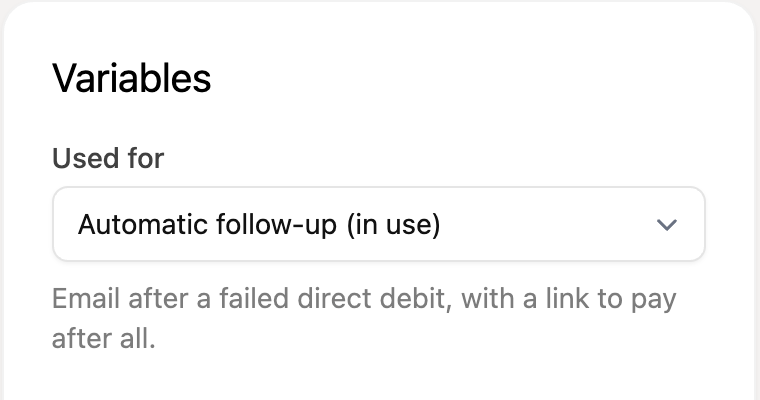
Open the template with the edit icon. On the right, under Variables, you see under Used for where the template is currently selected. It is marked as “in use”.
Unlinking and deleting a template
Choose a different template where this template is used. For example in the payment link, in the follow-up settings, in the customer portal, in the subscription or in the workflow.
Do you have multiple payment links with this template? Adjust all of them, or delete completed or expired payment links.
Go to Settings > Templates and delete the template with the trash can icon.
When you delete a template with the trash can icon on the overview page, all languages of that template are deleted.
Deleting only a translation
Want to remove only an extra translation? Click the edit icon, choose the right language at the top and open the Options menu. Choose Delete this language there.