
Payment links (with type Basic subscription)
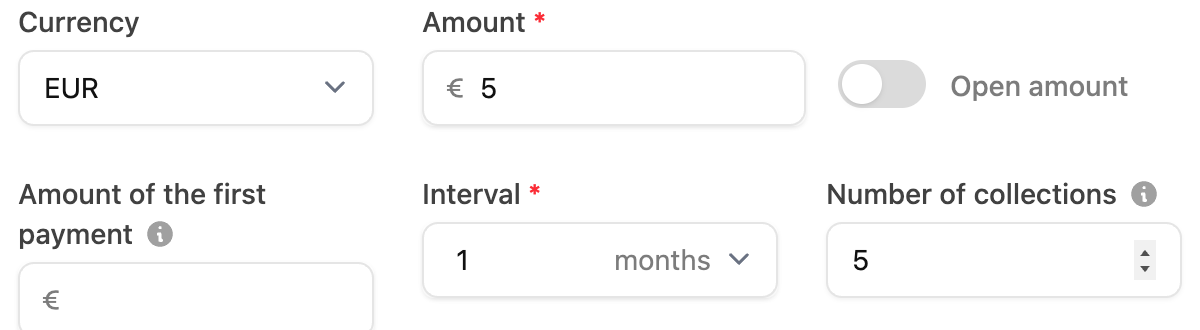
When creating a payment link with the type “Subscription (Basic)” you can optionally fill in the “Number of collections” field. Please note that this number does not include the first payment the customer makes via the payment link. For example: you create a payment link with the amount €5,- with the interval “1 month” and the number of collections “5”. The customer pays the first €5 e.g. via iDeal after clicking on the link. After that every month 5 more times €5,- will be collected. After this the subscription will stop automatically.
Basic Subscriptions
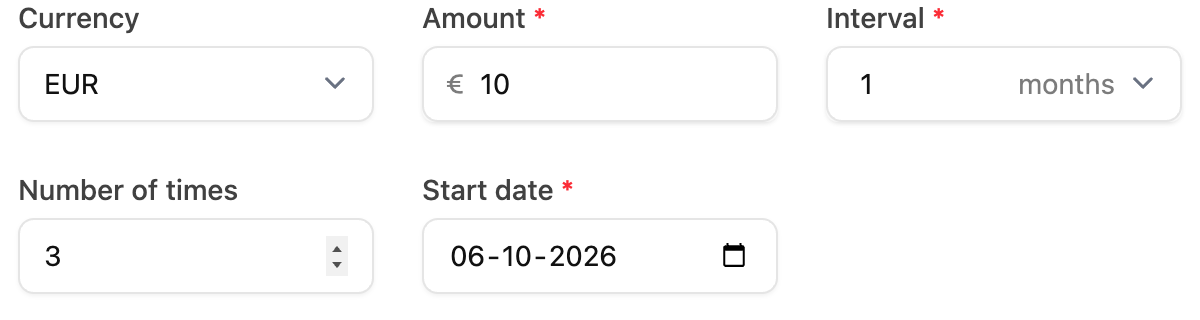
When manually adding a basic subscription, you can specify the total number of times this subscription will be collected in the “Number of times” field. For example, if the interval is “1 month”, a payment will be made every month and if you enter 3 times, the subscription will stop collecting after the 3rd month. This field is optional; if you leave this field blank the subscription will continue until it is stopped from RCUR or Mollie.
Advanced Subscriptions
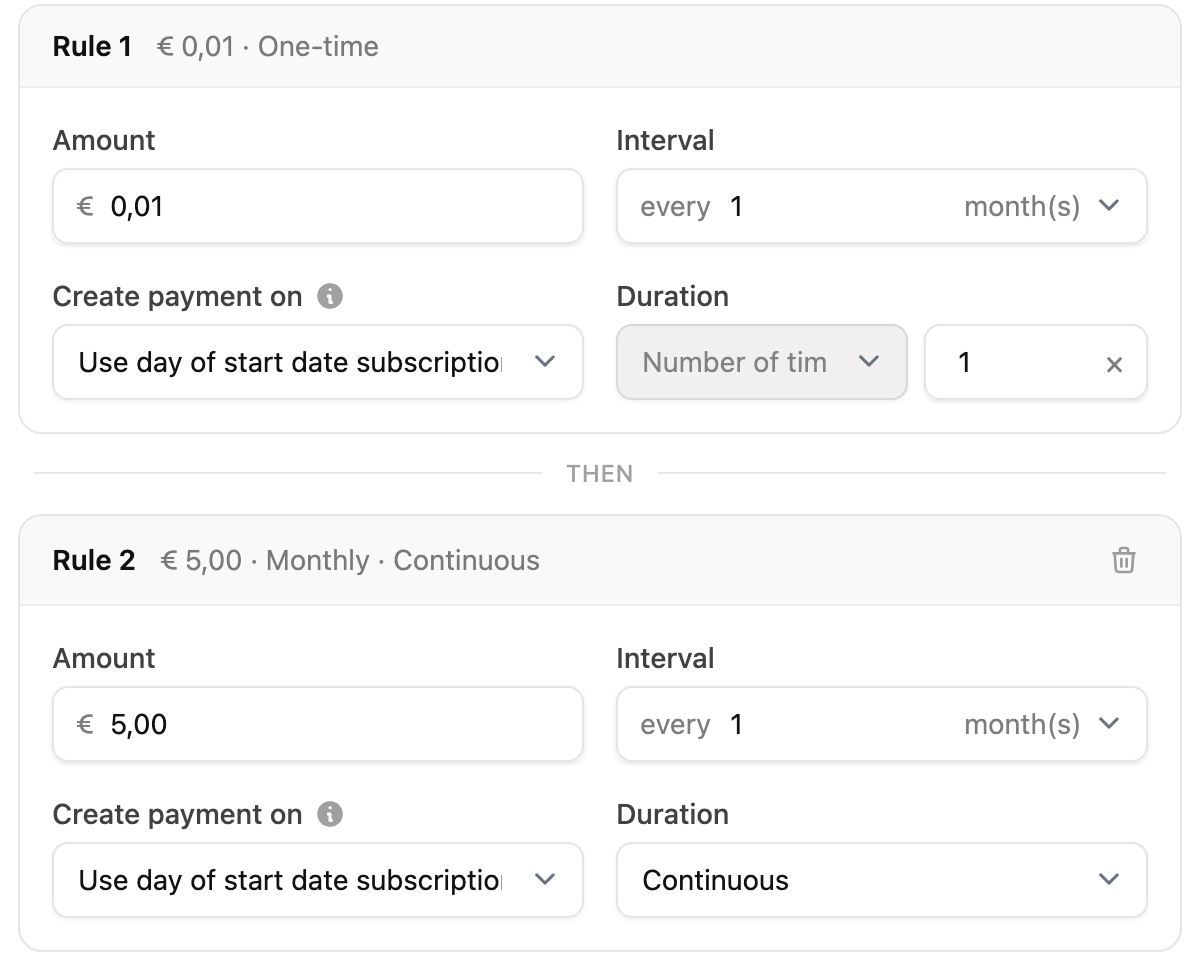
When adding rules to your advanced subscription, you can set the “Duration” of a rule to “Number of times” instead of “Continuous”. This will cause this rule to stop after the number of times you enter, and possibly continue with the rules that follow. The interval you set for this rule then ensures that after this interval the next rule will occur.
Products for orders
Here the same applies as for basic subscriptions. The product will then be charged the number of times you specified.