
If you use the Advanced plan or higher, we recommend using our Advanced subscriptions.
A Basic subscription is a simple subscription with one amount and one interval, for example €15 per month. Mollie makes sure the payment is collected automatically every period. Want to know how it differs from Advanced subscriptions and orders? Read about it here.
Creating a Basic subscription
Follow these steps:
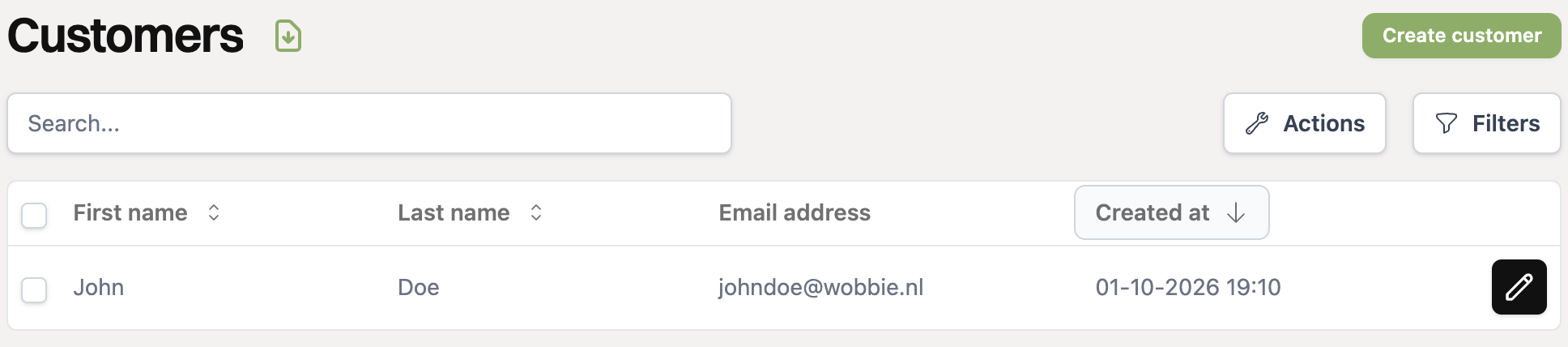
Click on the relevant customer on the customers page for which you want to create a subscription.
Make sure the customer has an active mandate. You can see this under the “Payment methods” tab.
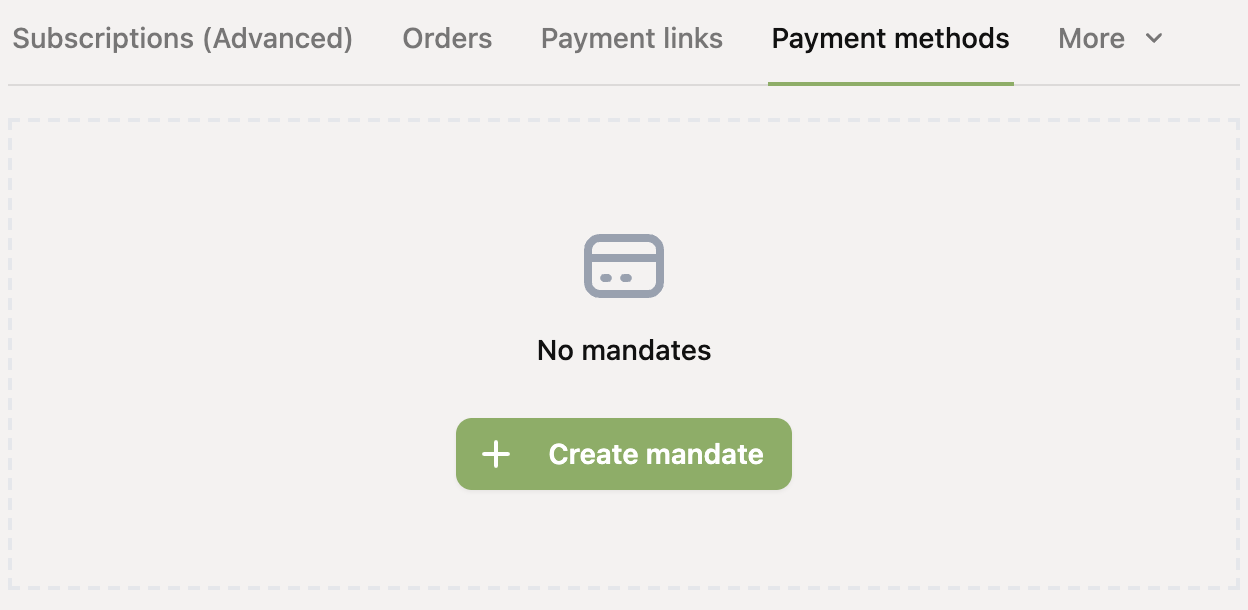
If there is no active mandate yet, you must first add one before you can create a subscription.
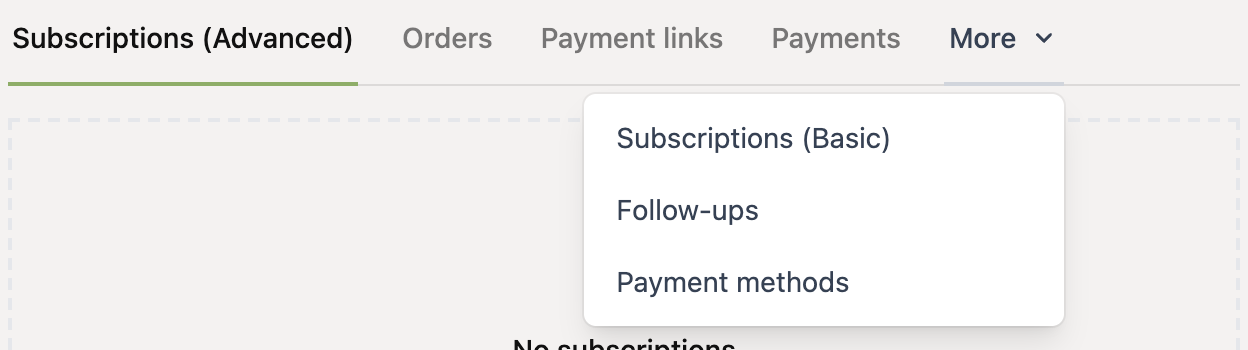
Click “More” and choose “Subscriptions (Basic)”.
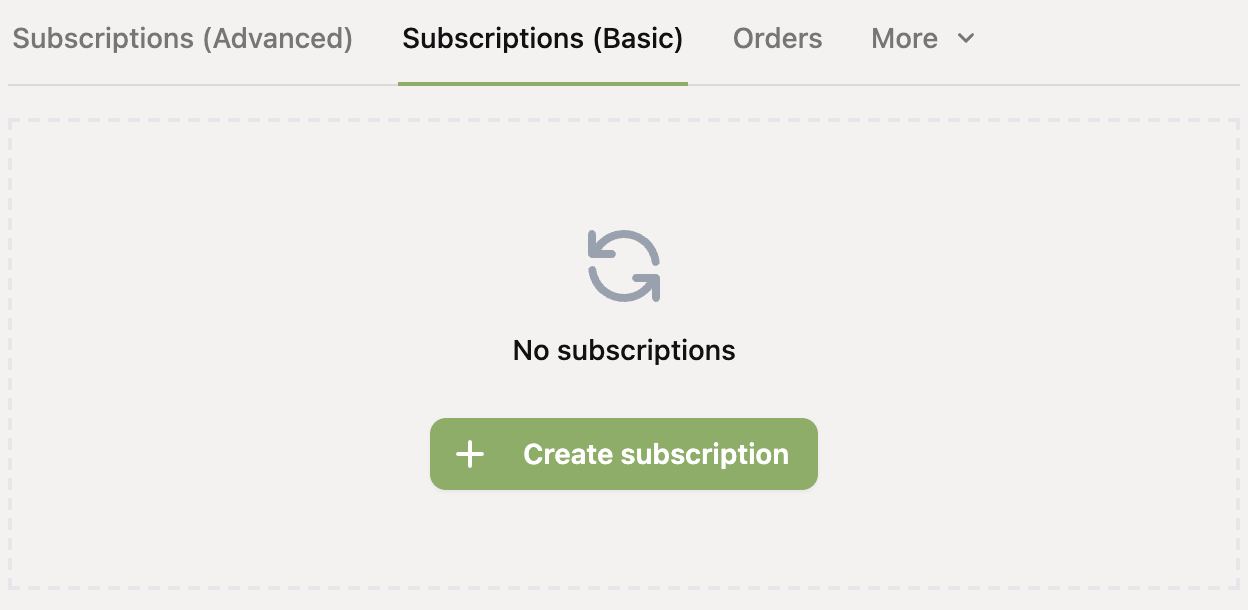
Then click “Create subscription”.
Fill in the subscription details (mandate, description, currency, amount, interval and start date) and click “Create subscription”. Leave “Number of times” empty if the subscription should continue indefinitely.
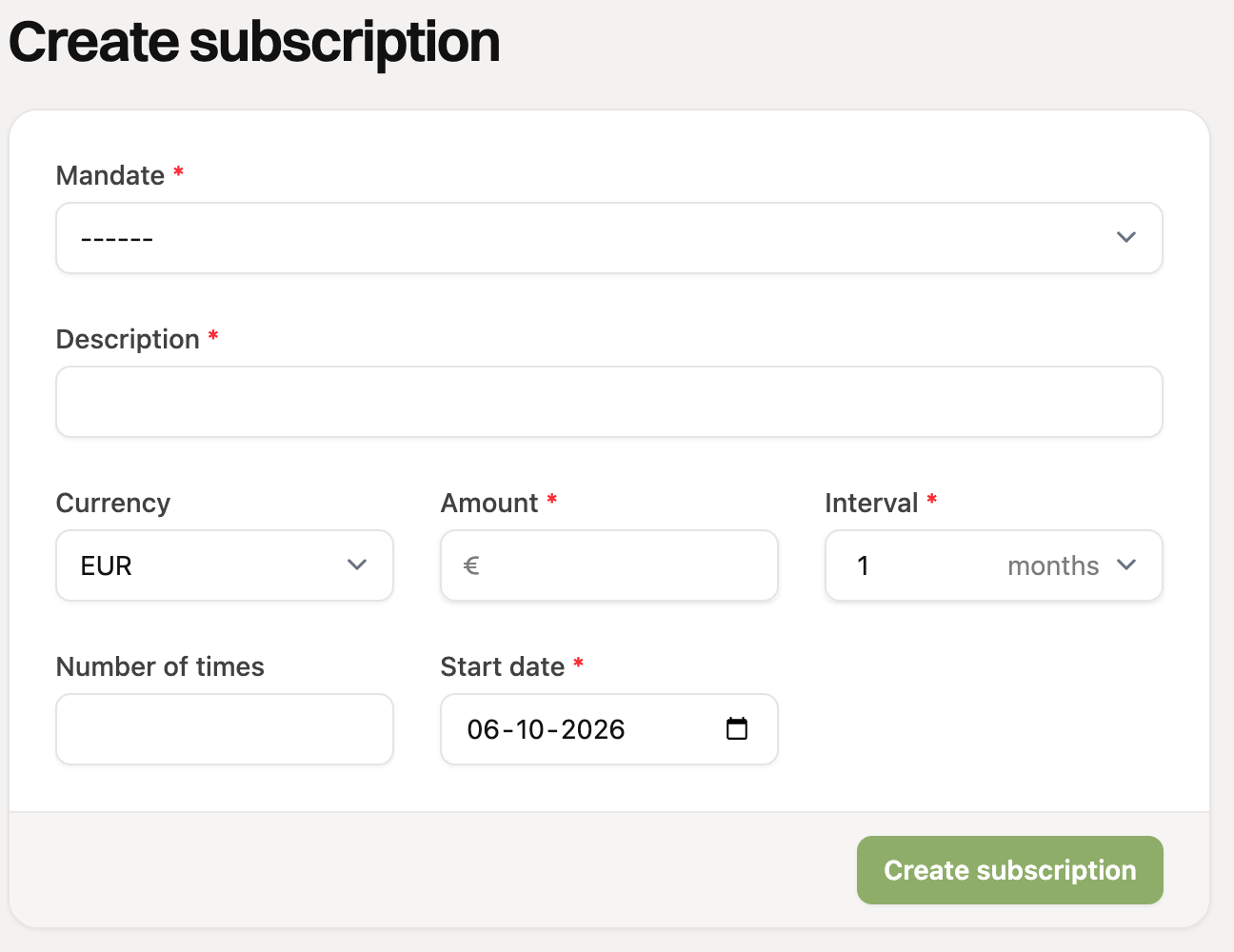
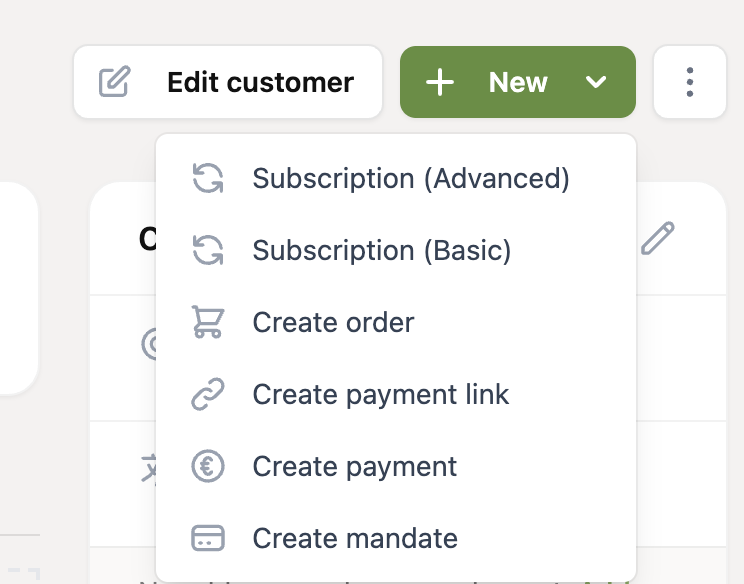
You can also create a Basic subscription with the “New” button at the top of the customer page. Choose “Subscription (Basic)” there, and you will go straight to the form from step 5.
What can you do afterwards?
You can find the subscription under Subscriptions (Basic), in the menu and on the customer page. There you can:
Edit it, for example the amount, the description or the mandate. You can only change the start date as long as the subscription has not started yet.
Cancel it, if the customer no longer wants to continue.
Basic subscriptions cannot send invoices automatically via an invoicing integration. If you need that, use an Advanced subscription.