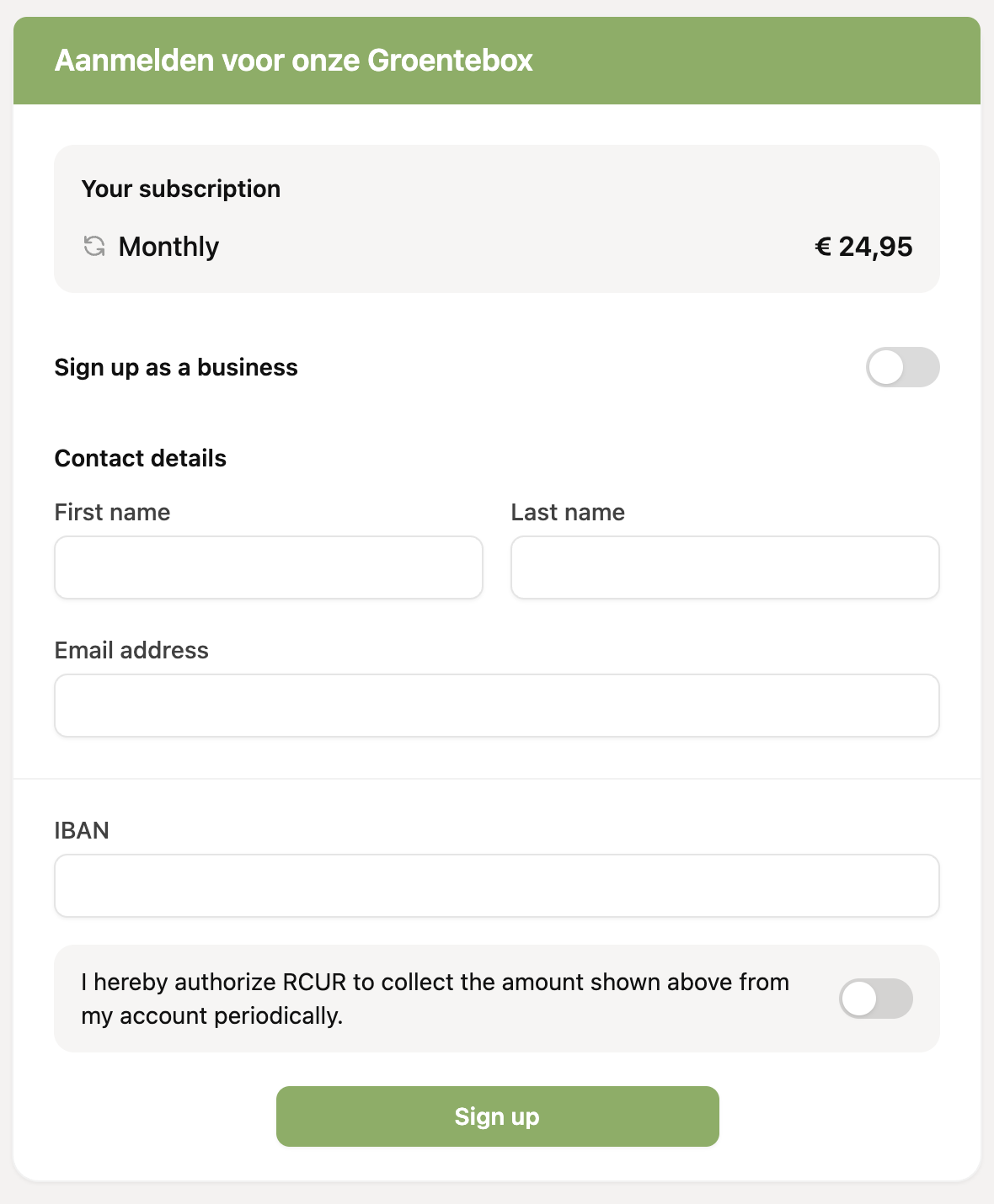
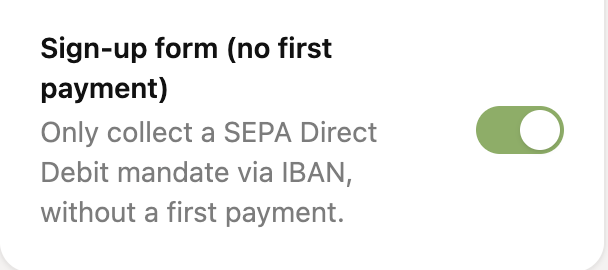
For the payment links with type “Subscription (Advanced)” you can enable the option “Sign-up form (no first payment)”. You can find it in the right-hand panel of the form (from the Expert plan).
Via this payment link, customers can fill in their contact details and IBAN, give their authorization and click “Sign up” to start the subscription. A first payment is not needed when this option is enabled.