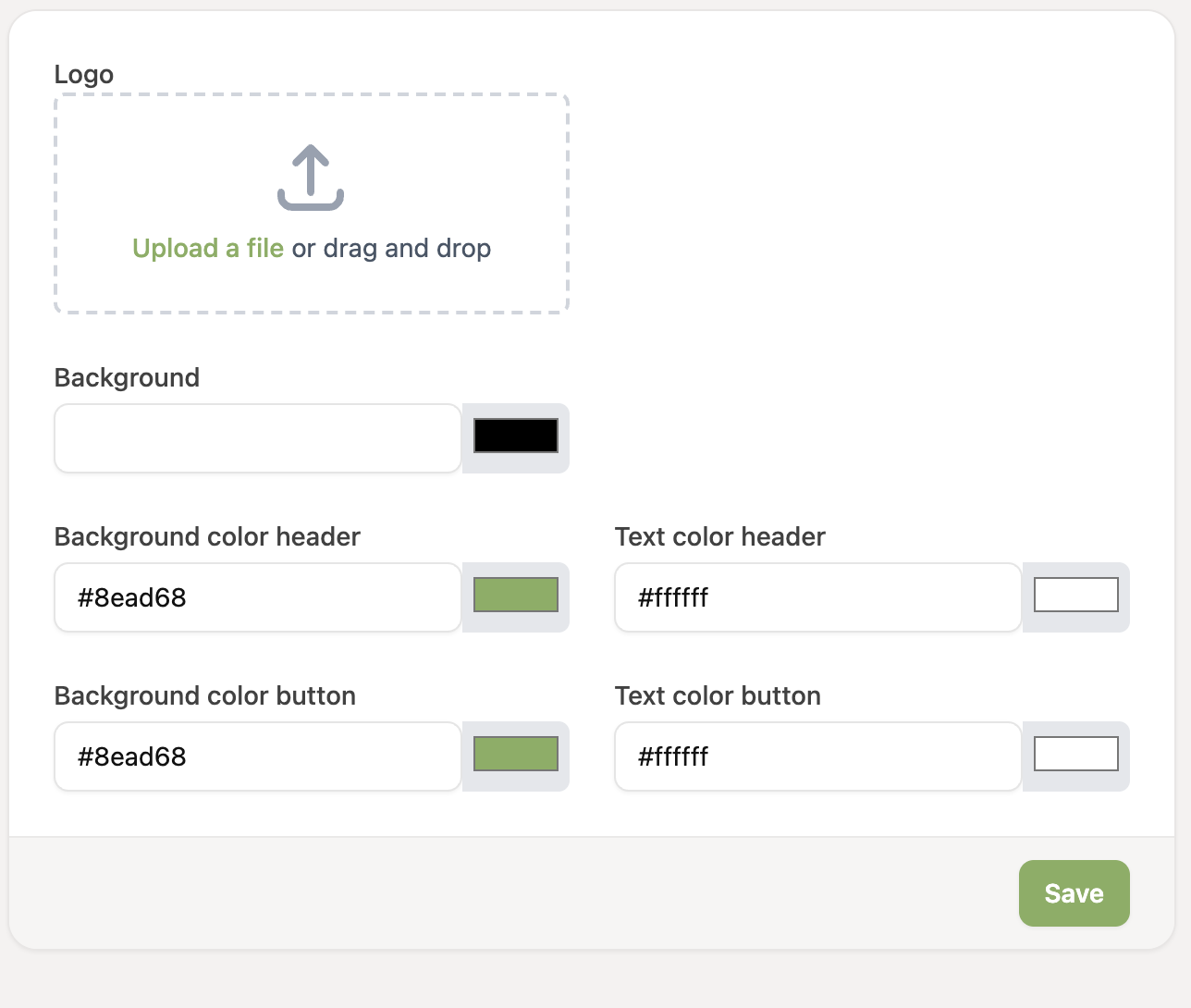
From the Expert plan, you can personalize the RCUR checkout screen. You can add your own logo and adjust the colors to match your brand.
Go to Settings > Profiles
On the profile you want to personalize, click the button at the top right of the profile
On the “Customize profile” page you can upload your logo and set your own colors for the background, header and button. Then click “Save”. The settings apply to all links you create for this profile.