
Yes, you can manually update the next payment date via the detail page of an active Advanced subscription.
Look up the Advanced subscription and open the details by clicking on the row
In the green bar at the top (“Next payment at …”), click the edit icon

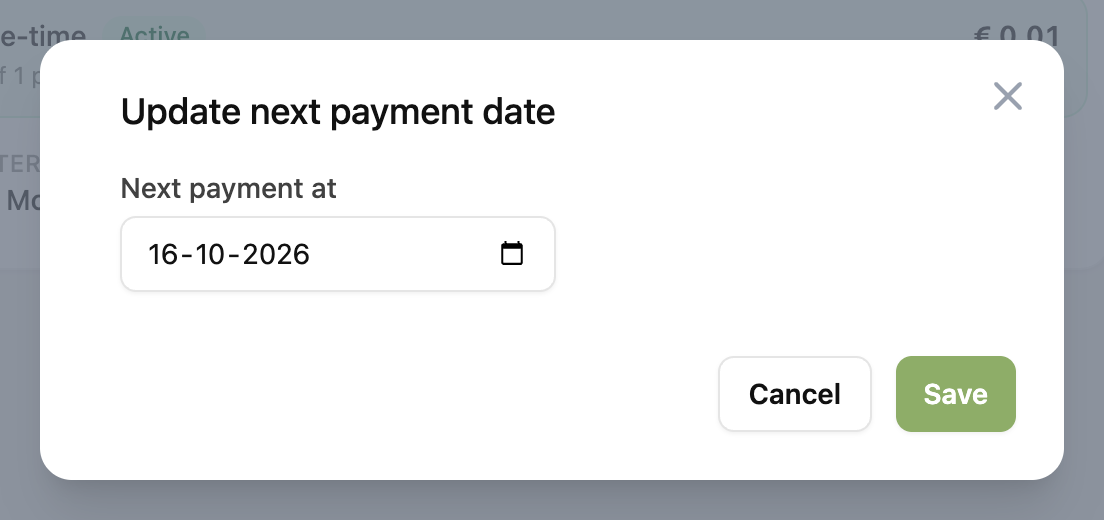
Fill in the desired date for the upcoming payment and click “Save”.
On the next payment date, the subscription will calculate the new date based on the rules of the subscription again.