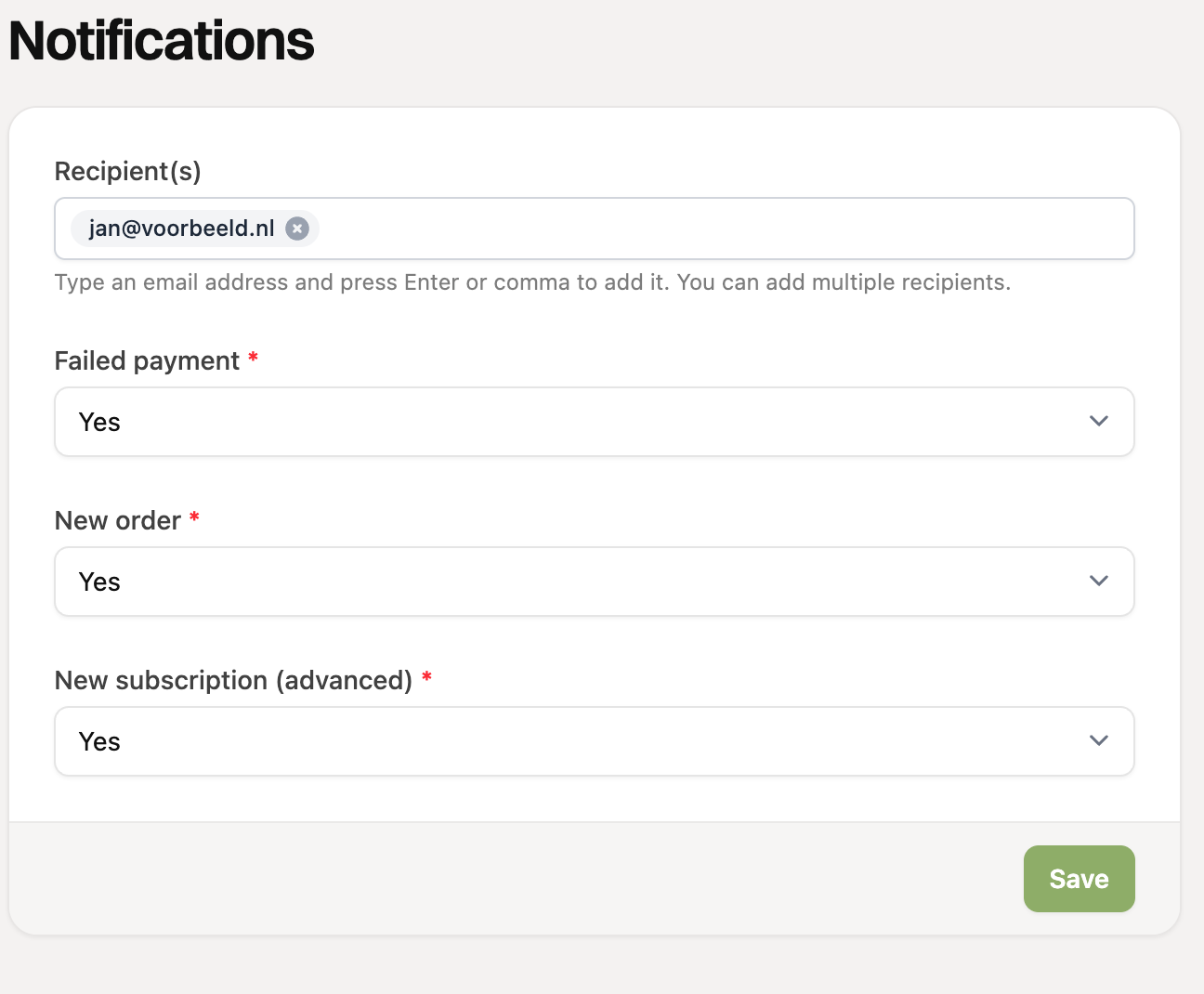
In the notification settings, you can update the recipient(s) of the notification emails. You can find them under Settings > Notifications.
Type an email address in the “Recipient(s)” field and press Enter or a comma to add it. You can add multiple recipients. Then click “Save”.
Below that, you choose for each type of notification whether you want to receive an email: for a failed payment, a new order and a new Advanced subscription.