Can I update the prices of my subscriptions in bulk?
Yes you can! You can update your Basic and Advanced subscriptions in one click.
This feature is available in the Expert plan
Advanced Subscriptions
Go to “Subscriptions (Advanced)” and click on “Bulk update subscriptions”

Click on “Add new rule” to define a new filter
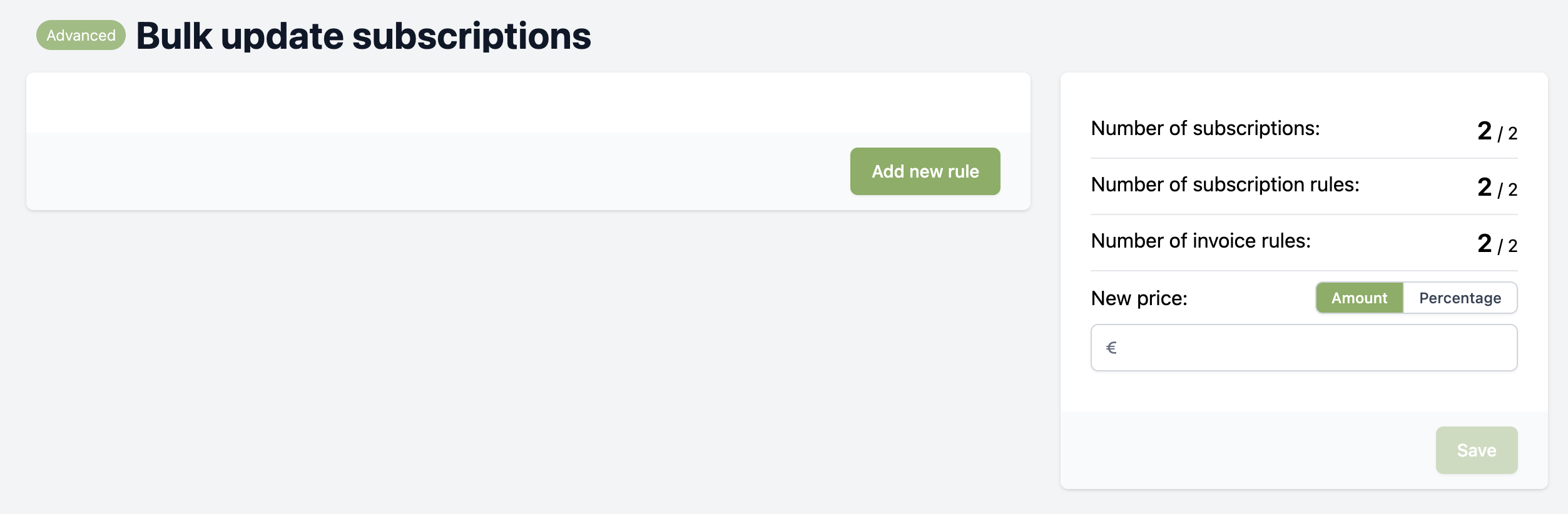
Select a field to filter on, in this example we filter on the amount of specific subscription rules
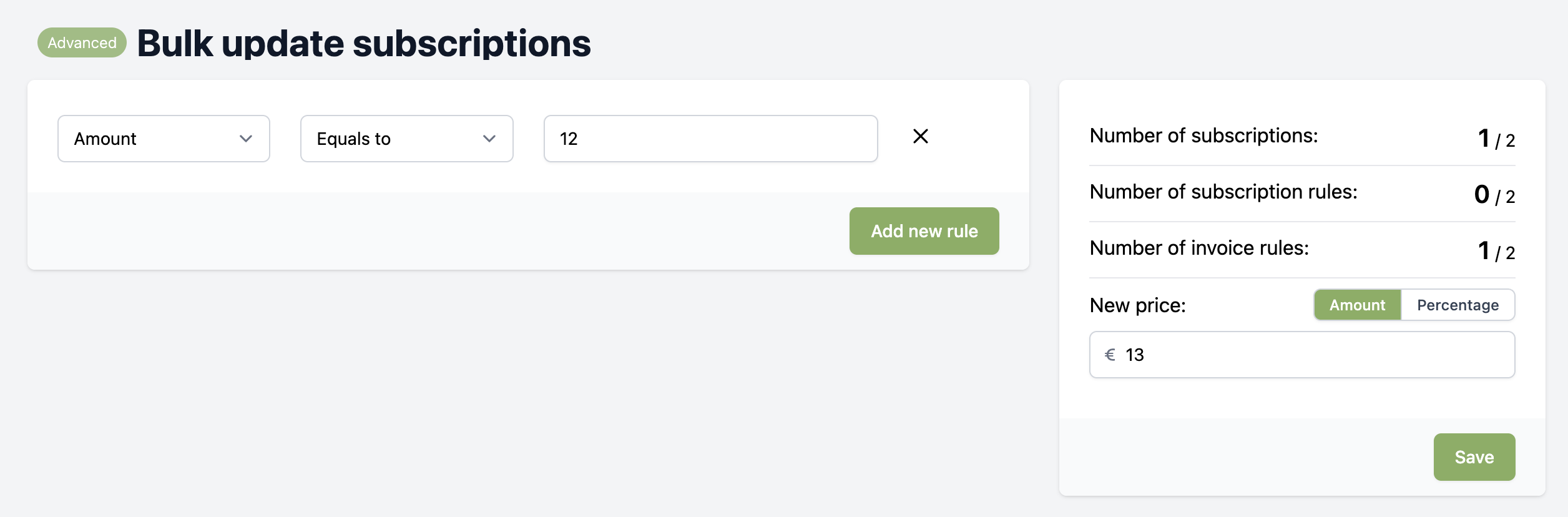
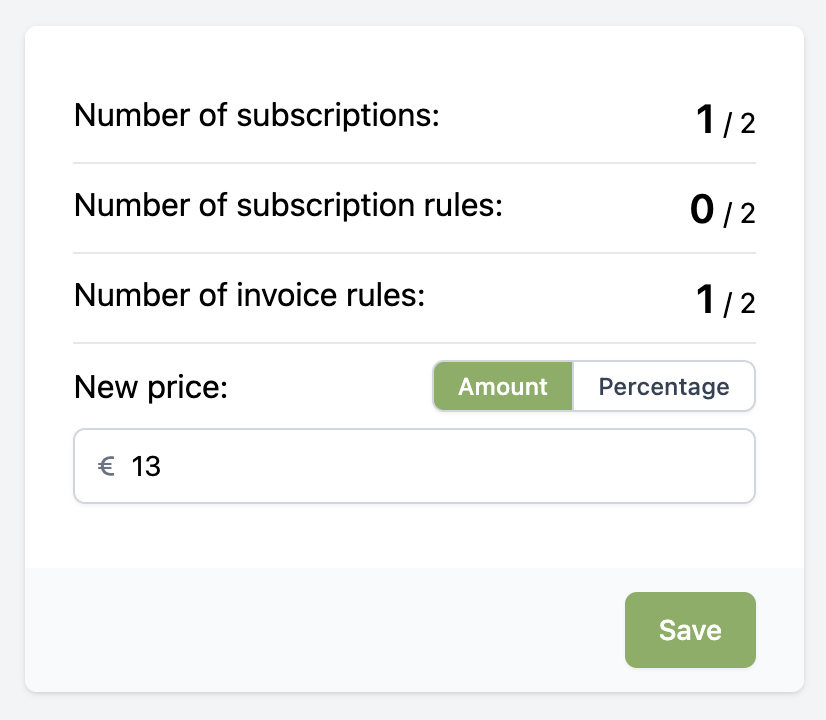
Now you can see on the right that there is 1 subscription with in total of 1 rule with the amount of €12,-.
Fill in your new price to update the filtered subscriptions, click save and then confirm it.
Basic Subscriptions
Go to “Subscriptions (Basic)” and click on “Bulk update subscriptions”

Click on “Add new rule” to define a new filter
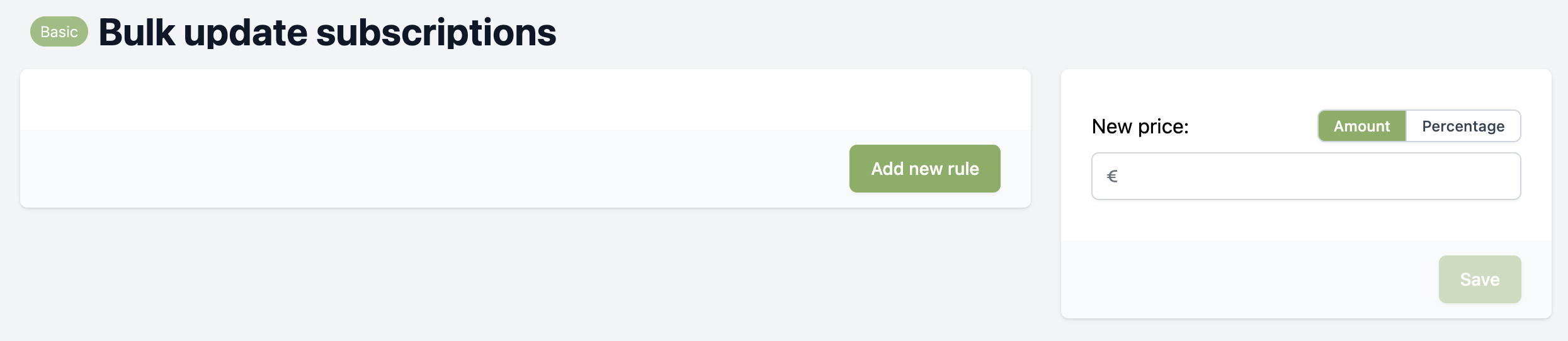
Select a field to filter on, in this example we filter on the amount of specific subscriptions
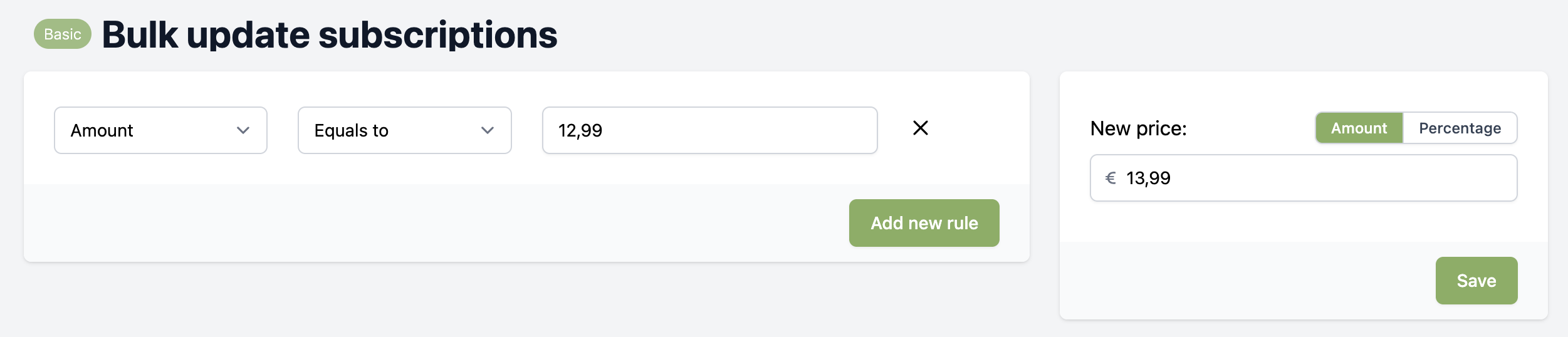
Due too the limitations of the Basic Subscriptions, it is not possible to see the number of filtered subscriptions.
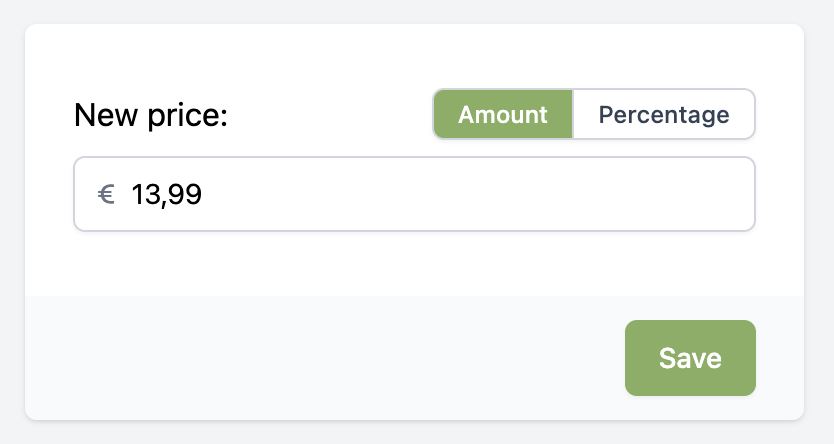
Fill in your new price to update the filtered subscriptions, click save and then confirm it.
Adding multiple filter rules means subscriptions have to match all filters.