How can I personalize the checkout screen?
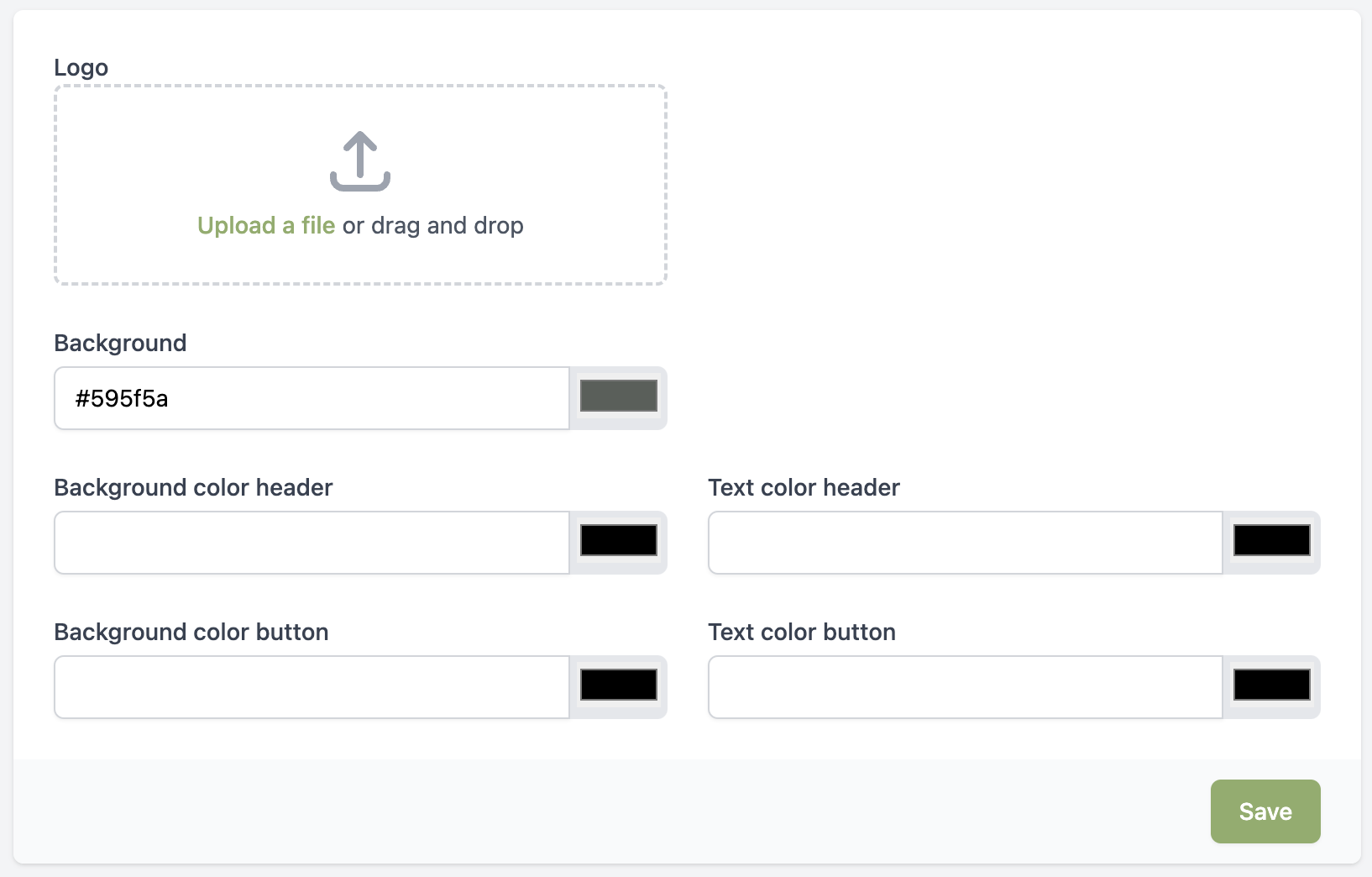
From the Expert plan, you'll be able to personalize the RCUR checkout screen. You can add your own logo and adjust the colors to match your brand.
Go to Settings > Profiles
Behind the profile you want to personalize, click on the button
Here you can upload your logo and customize the colors