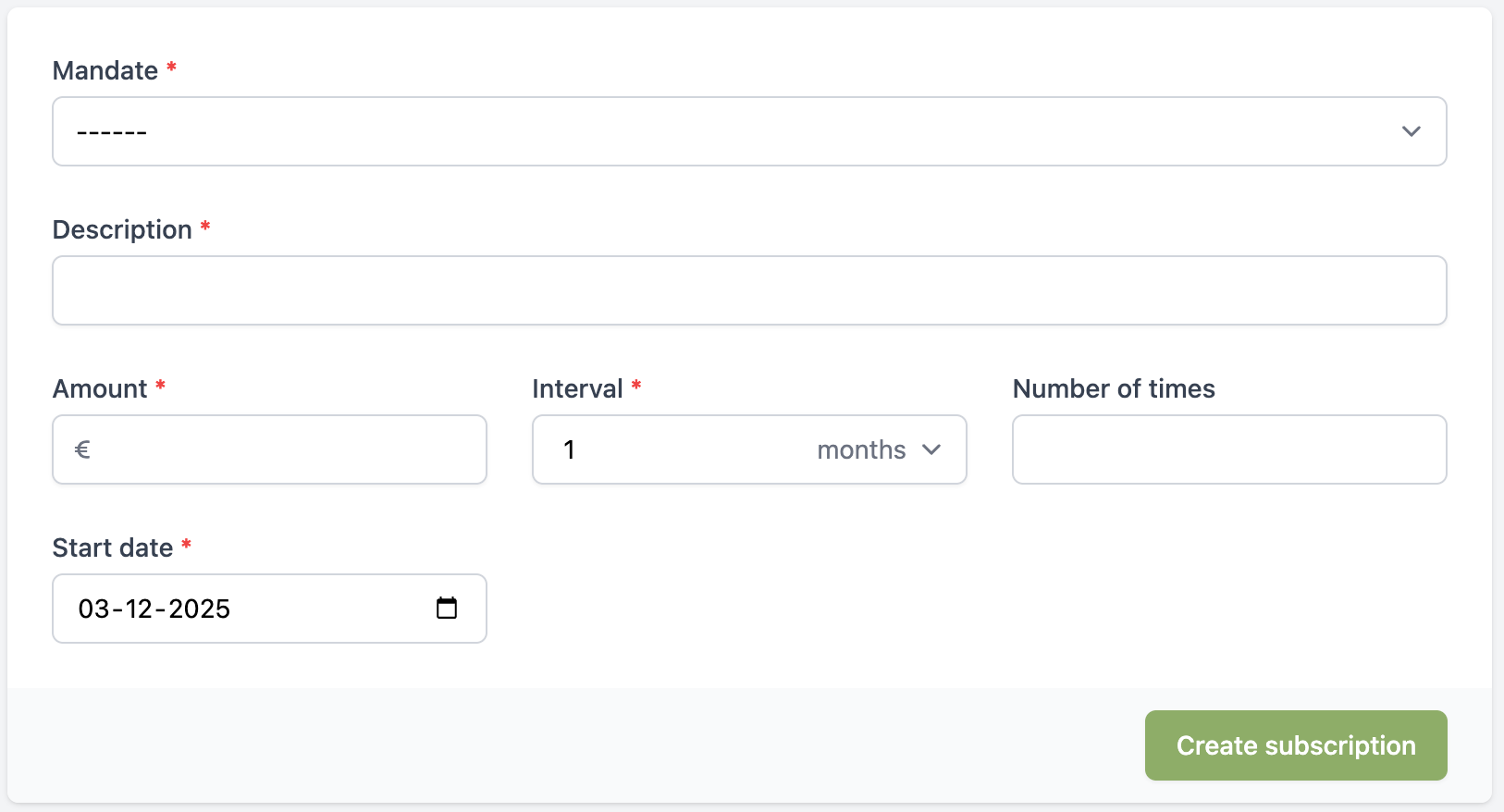
How to create a Basic Subscription?
If you use the Advanced plan or higher, we recommend using our Advanced subscriptions: How to create an Advanced Subscription?
To create a Basic subscription, you can follow these steps:
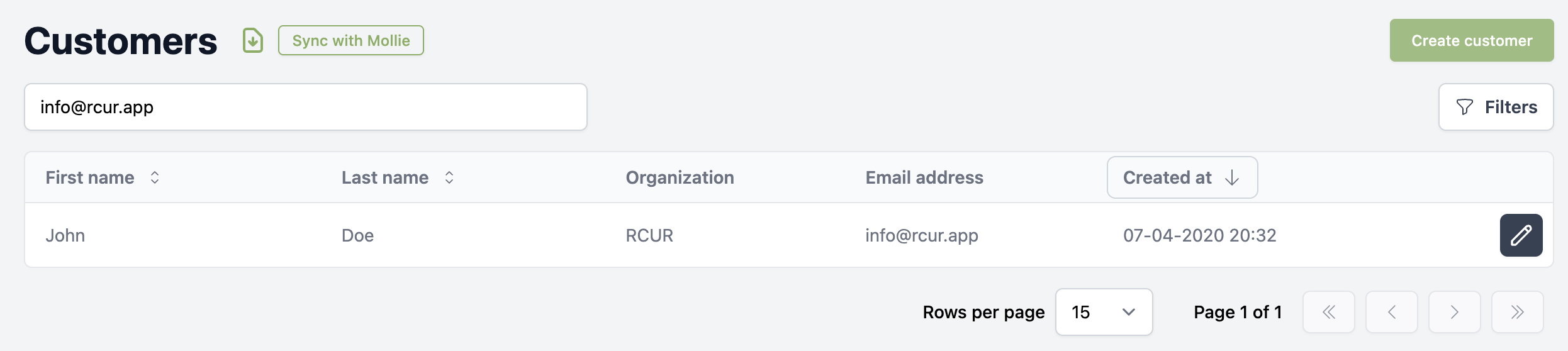
Click on the relevant customer on the customers page for which you want to create a subscription.
Make sure the customer has an active mandate. You can see this by going to the "Bank Accounts" tab.
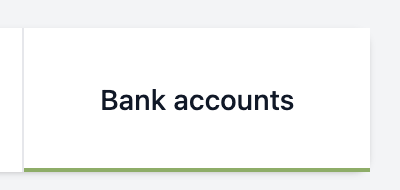
If there is no active mandate yet, you must first add one before you can create a subscription.
Click on the tab “Subscriptions (Basic)”
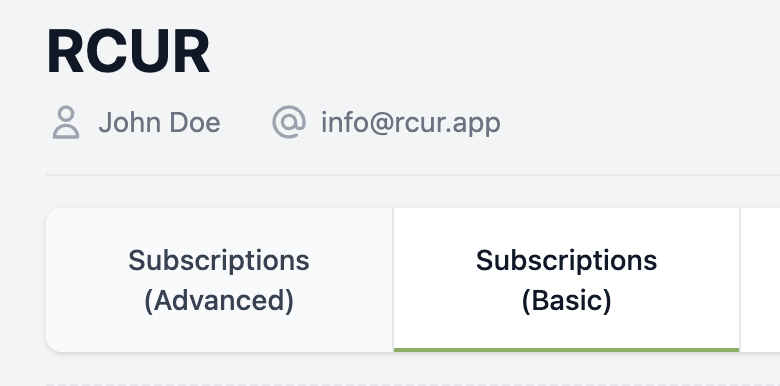
You can then choose to add a new subscription
Fill in your subscription details, and click “Create subscription”