Can I update the date of the next payment of an Advanced Subscription?
Yes, you can manually update the next payment date via the detail page of an advanced subscription.
Lookup the advanced subscription and open the details by clicking on the row
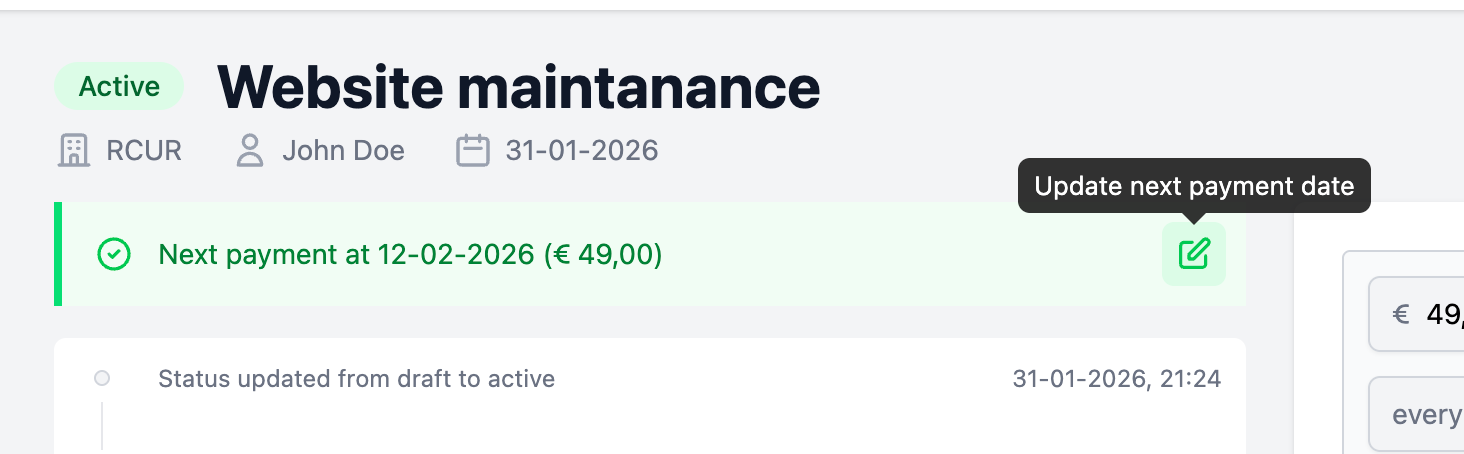
Behind the “next payment” details, click on the edit icon
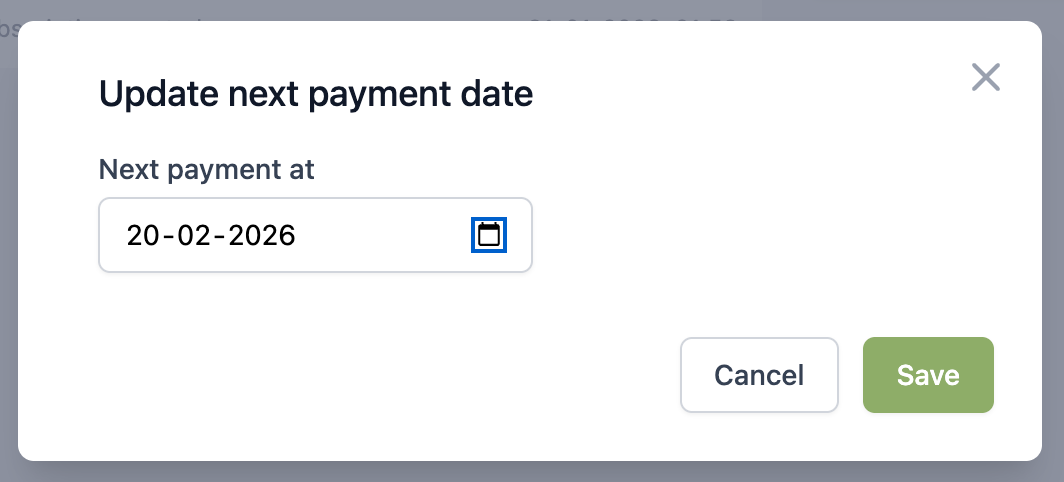
Fill in the desired date for the upcoming payment and click save
On the next payment date, the subscription will calculate the new date based on the rules of the subscription again.